Help centre › Getting started
Size, closures and material
Inside or outside dimensions, top and bottom closures by ECMA and FEFCO code, board and thickness.
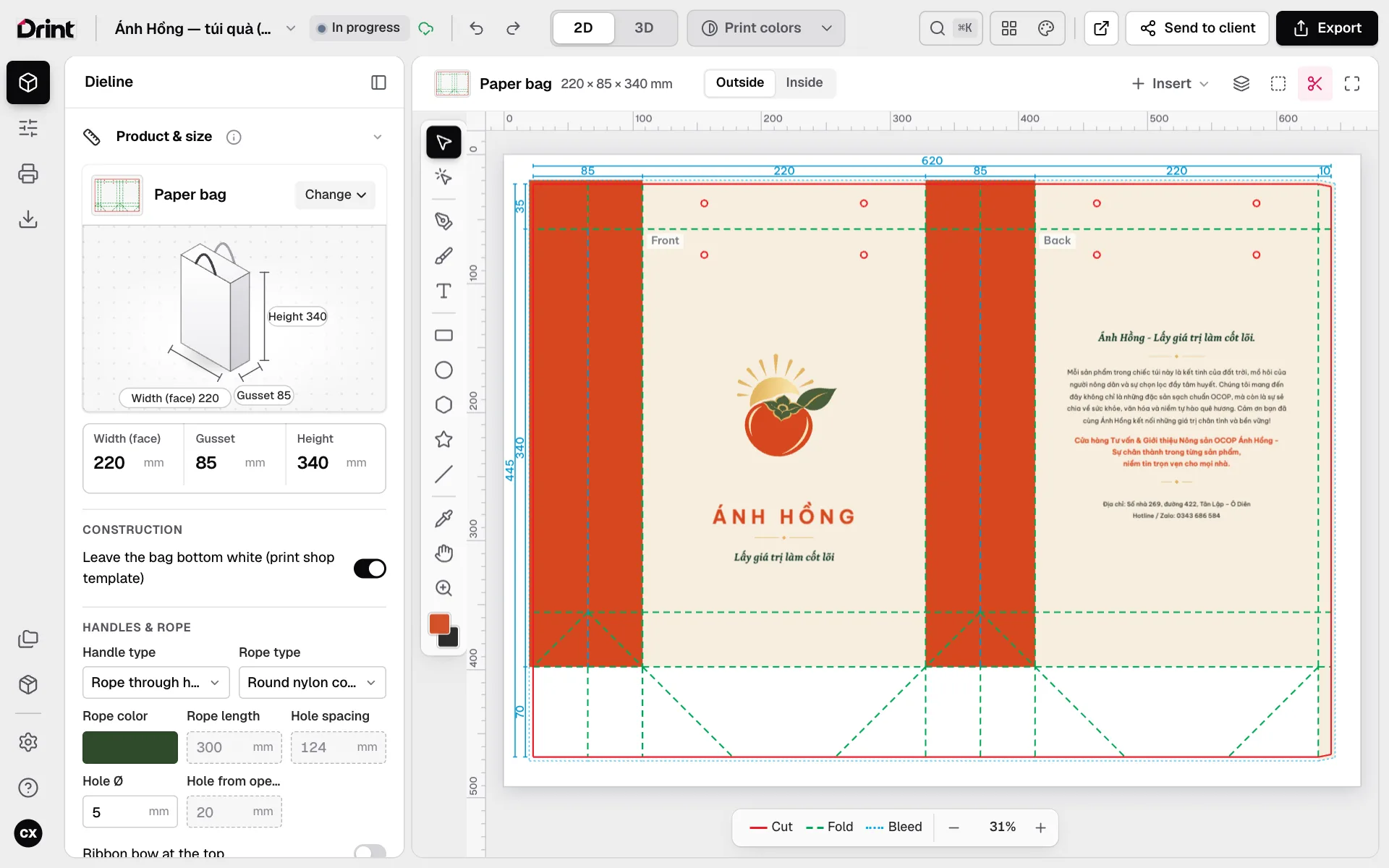
Three ways to measure
The size you type can be inside (fits the product), on the crease (the dieline’s numbers) or outside. Switch the way you measure and the box stays the same: the numbers convert by the board thickness, no sums by hand.
Change the structure
- Open the product panel (the box icon on the left rail).
- Change how the top closes (tuck, double lid, side lock, hang tab…) and how the bottom closes (tuck, 1-2-3 snap, crash lock…). The dieline follows the matching ECMA / FEFCO standard.
- Drag a number on the product drawing, or type it: the 2D dieline and the 3D model change at once.
Material
Pick the board (ivory, coated, kraft, corrugated…) and its weight. The material sets the thickness used for allowances, the paper colour in 3D and the colour profile in print-colour view.
Every print shop has its own allowances — ask yours and set them in Settings if they differ.
Still stuck? Write to support@drint.io