Help centre › Mockups & clients
Sending proofs to clients
A 3D proof link, mockup pictures, folding videos and 3D files for AR — clients view them on their phone, no account needed.
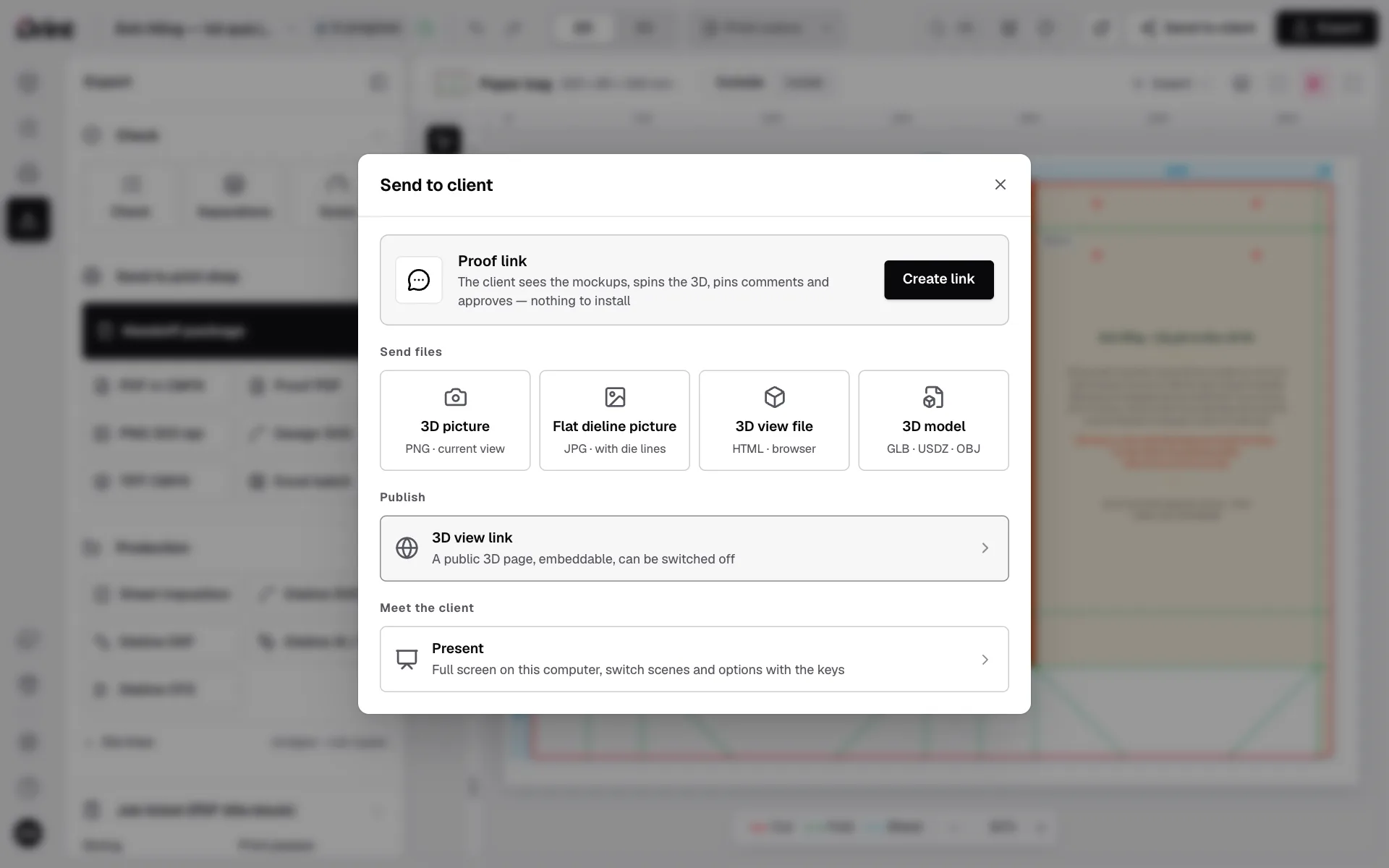
Steps
- Click Send to client at the top right.
- Choose Proof link: your client opens it to spin the 3D box, look at the dieline, and tap Comment or Approve on their phone.
- Or download mockup pictures, a fold / spin video and 3D files (GLB / USDZ — AR on iPhone) to send by email or chat.
When the client answers
Comments and approval show in the project. Make the changes and share the same link again — the client always sees the latest version.
Free has 1 open proof link at a time; Pro has no limit.
Still stuck? Write to support@drint.io