Help centre › Designing
3D view and folding
A 3D model built from your dieline: spin it, fold it crease by crease, open the lid, change light and backdrop.
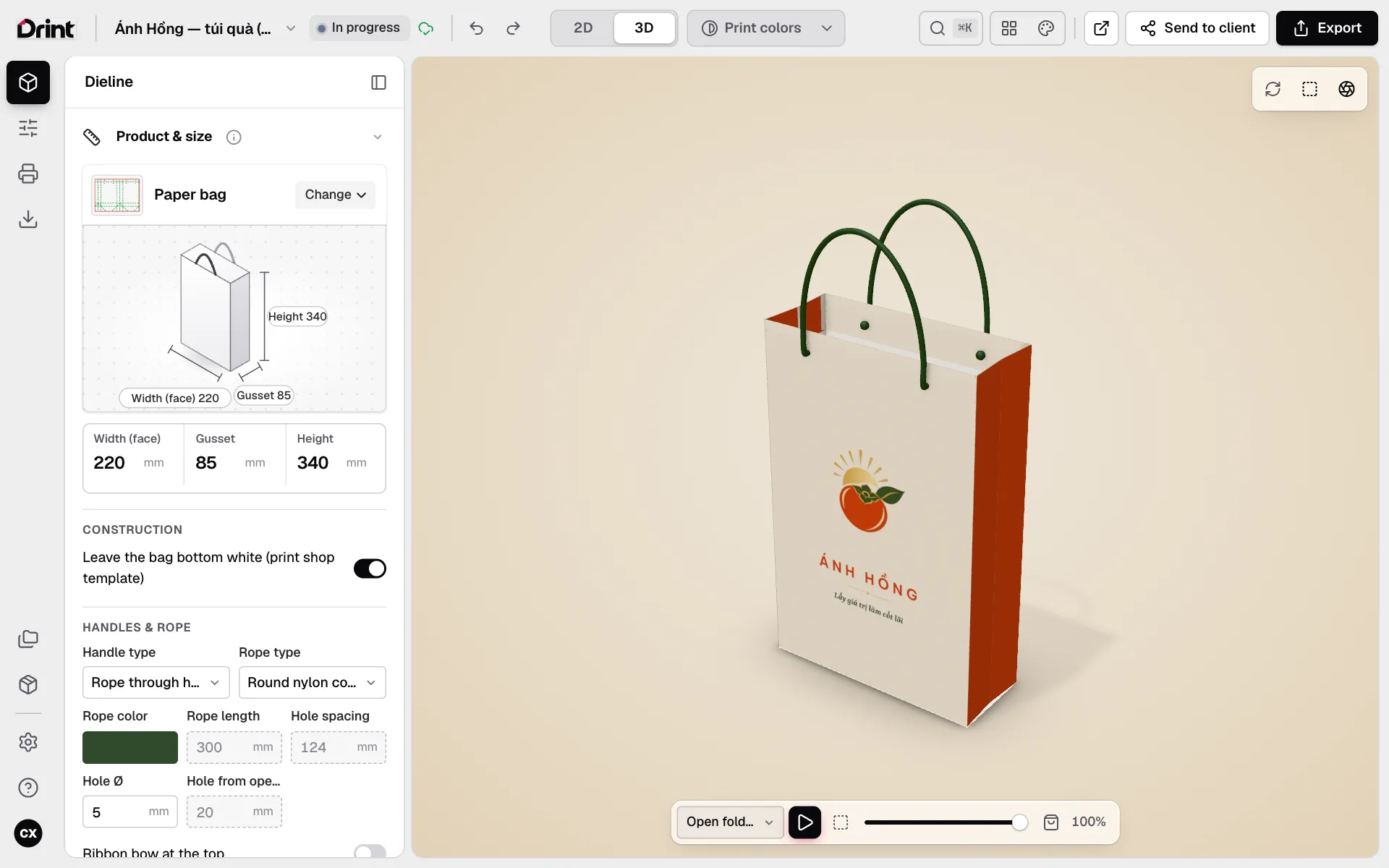
Steps
- Click 3D in the middle of the top bar.
- Drag to turn it, scroll to zoom.
- The play button under the model folds the box from flat to finished; drag the slider to stop at any step.
- The icons at the top corner reset the view, frame it, and change light and backdrop.
True to print
The model is built from your own dieline: change the size, the closure or the artwork and the 3D follows at once. Turn on Print colors to see in 3D the colours that will print on the chosen board.
Settings → View layout: show 2D and 3D side by side on a wide screen.
Still stuck? Write to support@drint.io