Help centre › Files for print
Print colours and CMYK
Preview the colours that will print on your board, out-of-gamut colour, K100 black, brand colours kept exact.
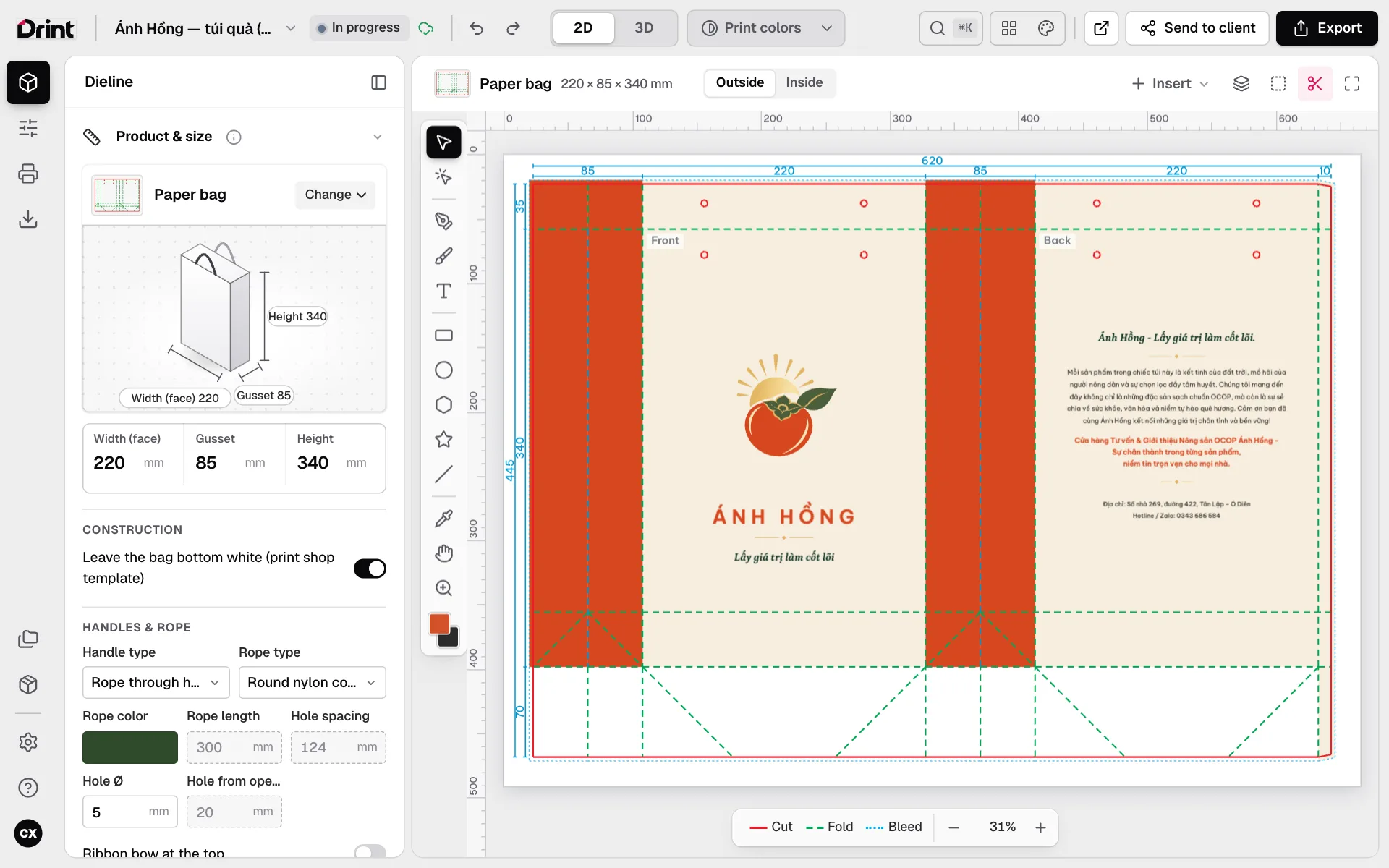
Print-colour view
Click Print colors in the top bar (or ⇧⌘Y): the whole dieline shows the colours that will print, by the colour profile of the product’s board. Its options include Simulate paper colour (white is the paper, black is the ink’s real depth) and Show out-of-gamut colour (stripes where ink cannot reach).
Prepress handled for you
Small black text and thin black lines print K100 (black plate only); large black areas print as rich black. Colours you typed in CMYK and your brand colours keep their exact numbers on export. White never overprints.
Screens are always brighter than paper. For colour you must trust, print a proof before the full run.
Still stuck? Write to support@drint.io