Help centre
How to use Drint
Short, step-by-step guides — from your first dieline to the file the print shop takes. The names in bold are the buttons you will see in the app.
Getting started
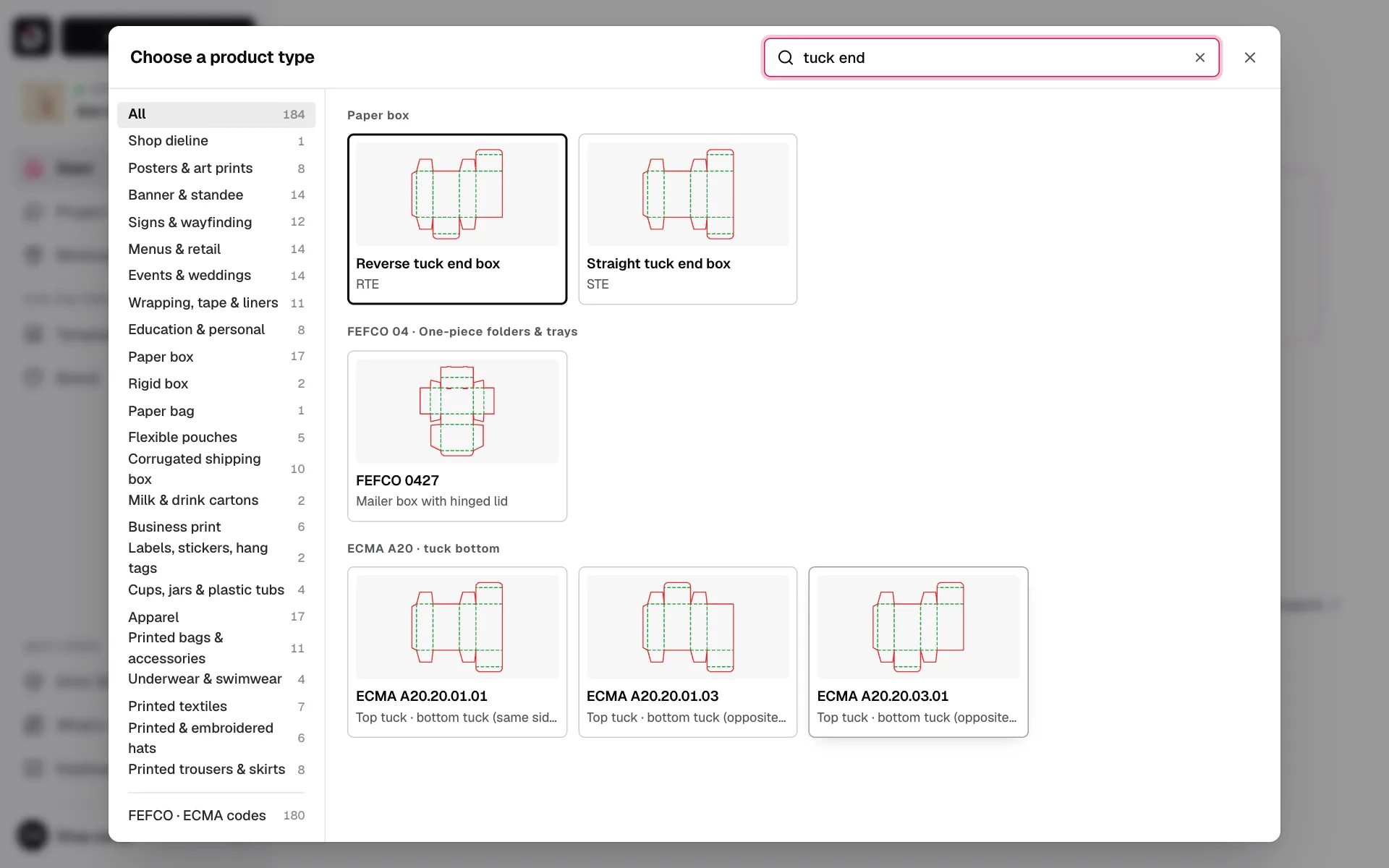 Your first projectPick a product, type its size, and open its 2D dieline and 3D model in a minute.
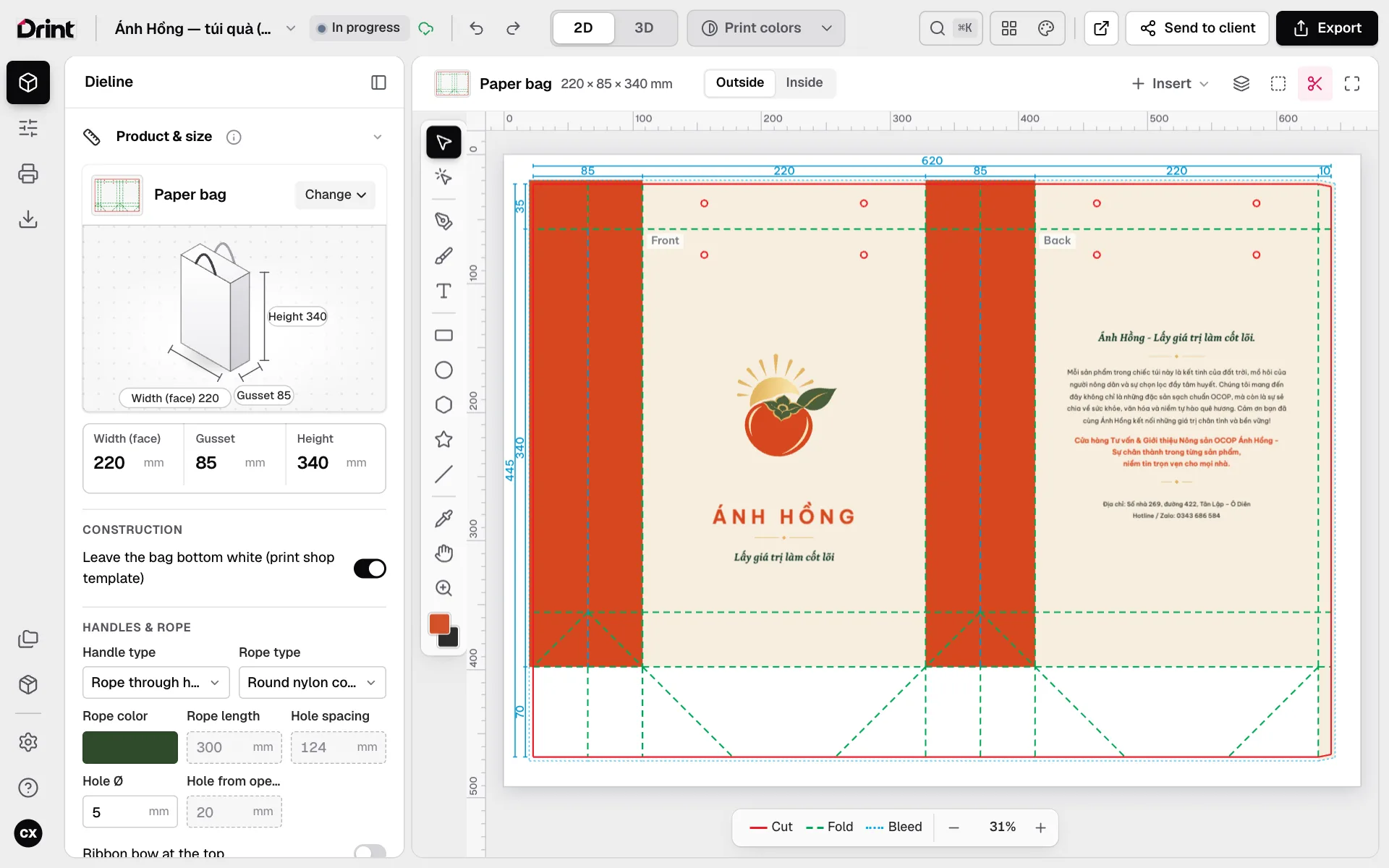 Size, closures and materialInside or outside dimensions, top and bottom closures by ECMA and FEFCO code, board and thickness.
Designing
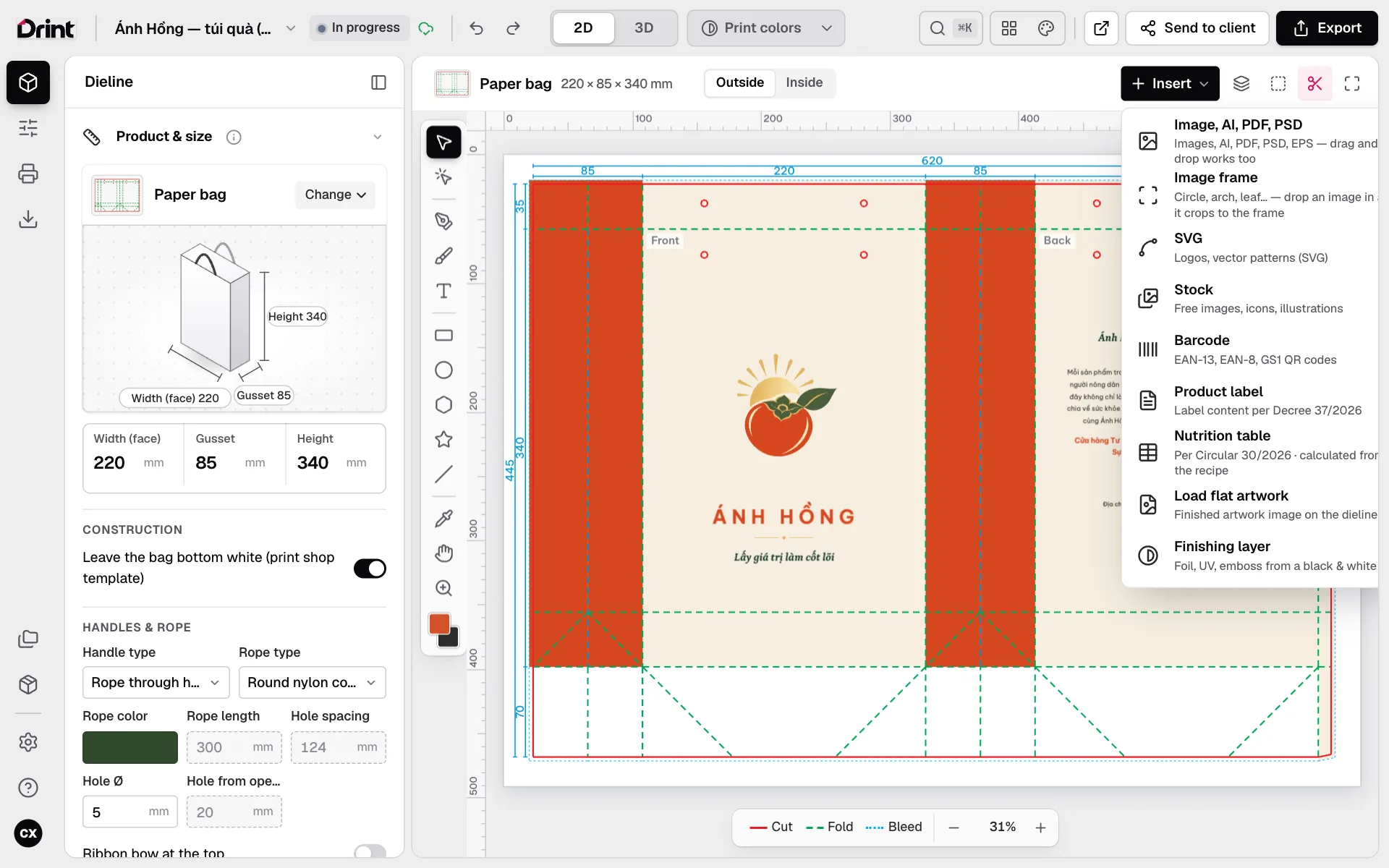 Designing on the dielineText, images, logos and shapes placed straight onto each face; layers, safe area, outside and inside.
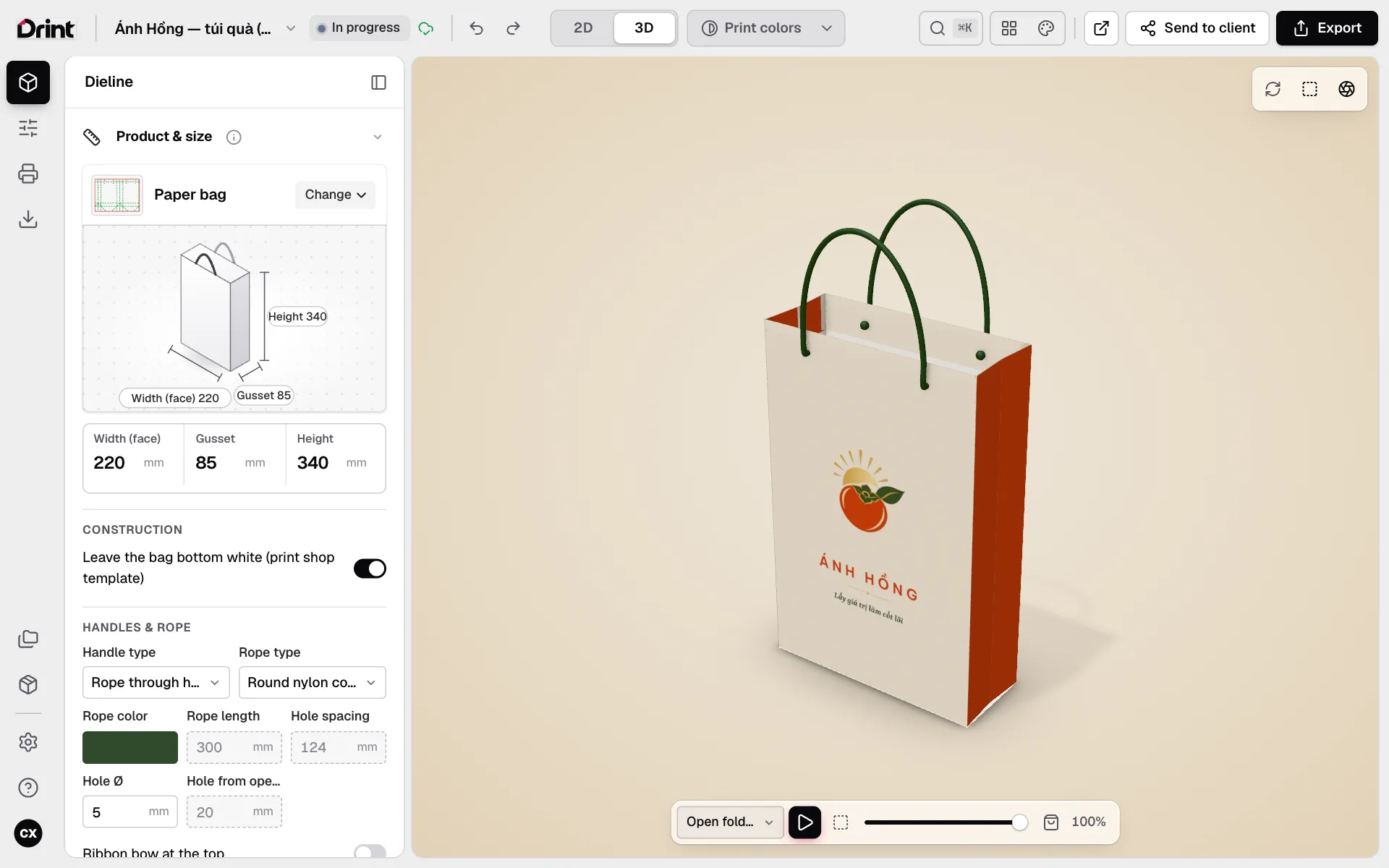 3D view and foldingA 3D model built from your dieline: spin it, fold it crease by crease, open the lid, change light and backdrop.
Files for print
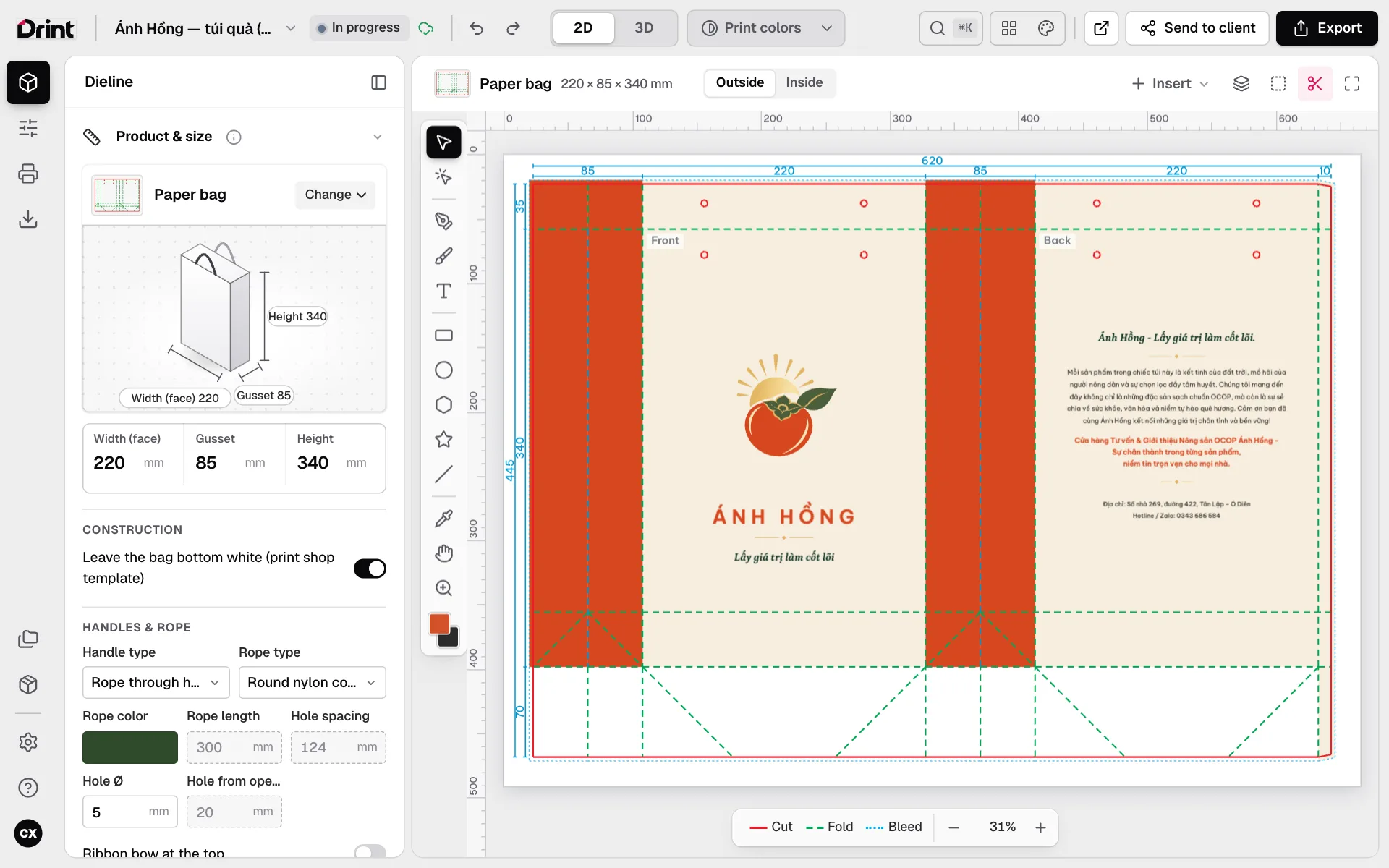 Print colours and CMYKPreview the colours that will print on your board, out-of-gamut colour, K100 black, brand colours kept exact.
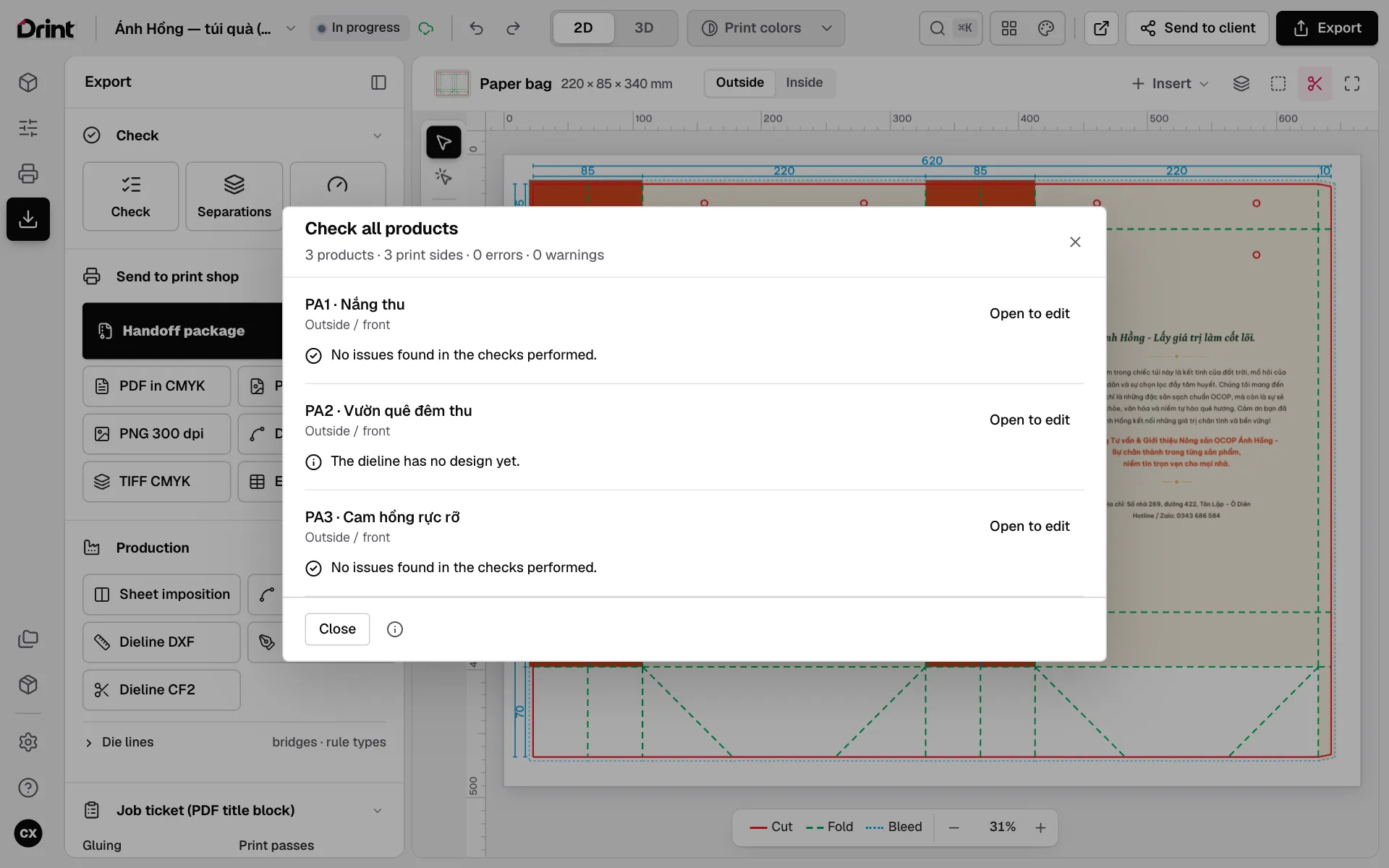 Preflight before printCatch what makes a print shop send files back: text near the cut, low-resolution images, too much ink — fixed in one click.
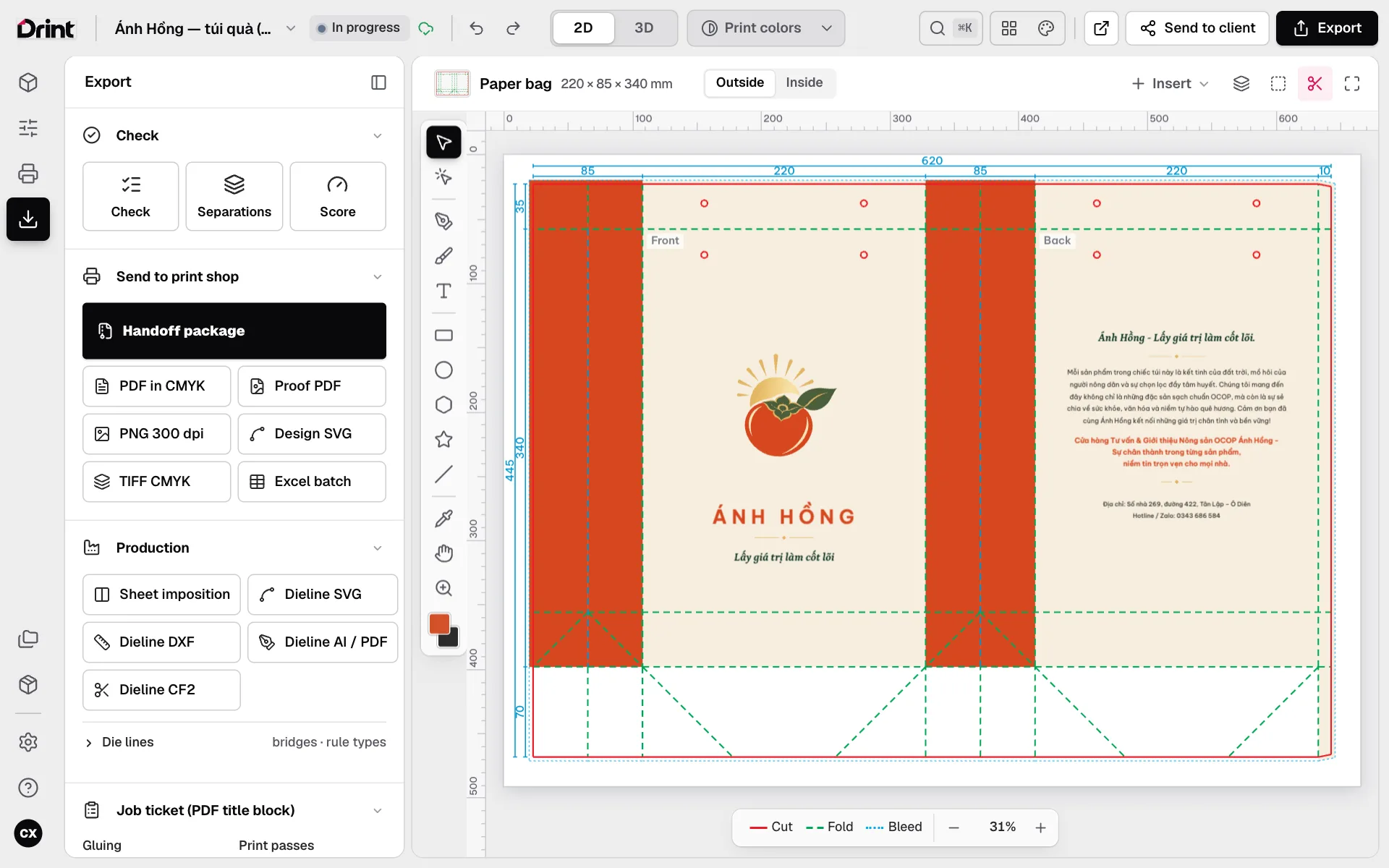 Files for the print shopCMYK print PDF, proof PDF, dieline files (AI / DXF / SVG / CF2), imposition and a handoff package.
Mockups & clients
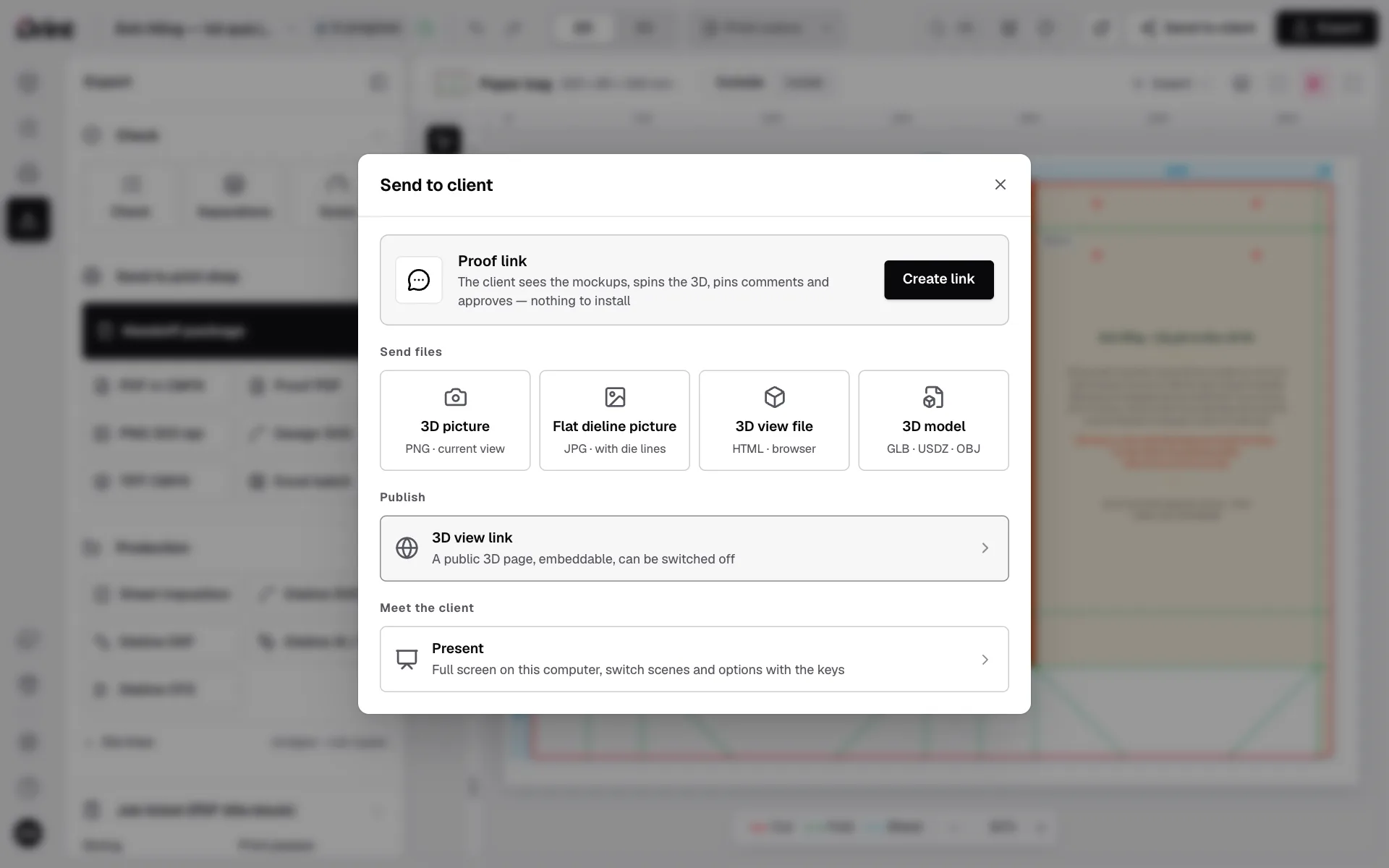 Sending proofs to clientsA 3D proof link, mockup pictures, folding videos and 3D files for AR — clients view them on their phone, no account needed.
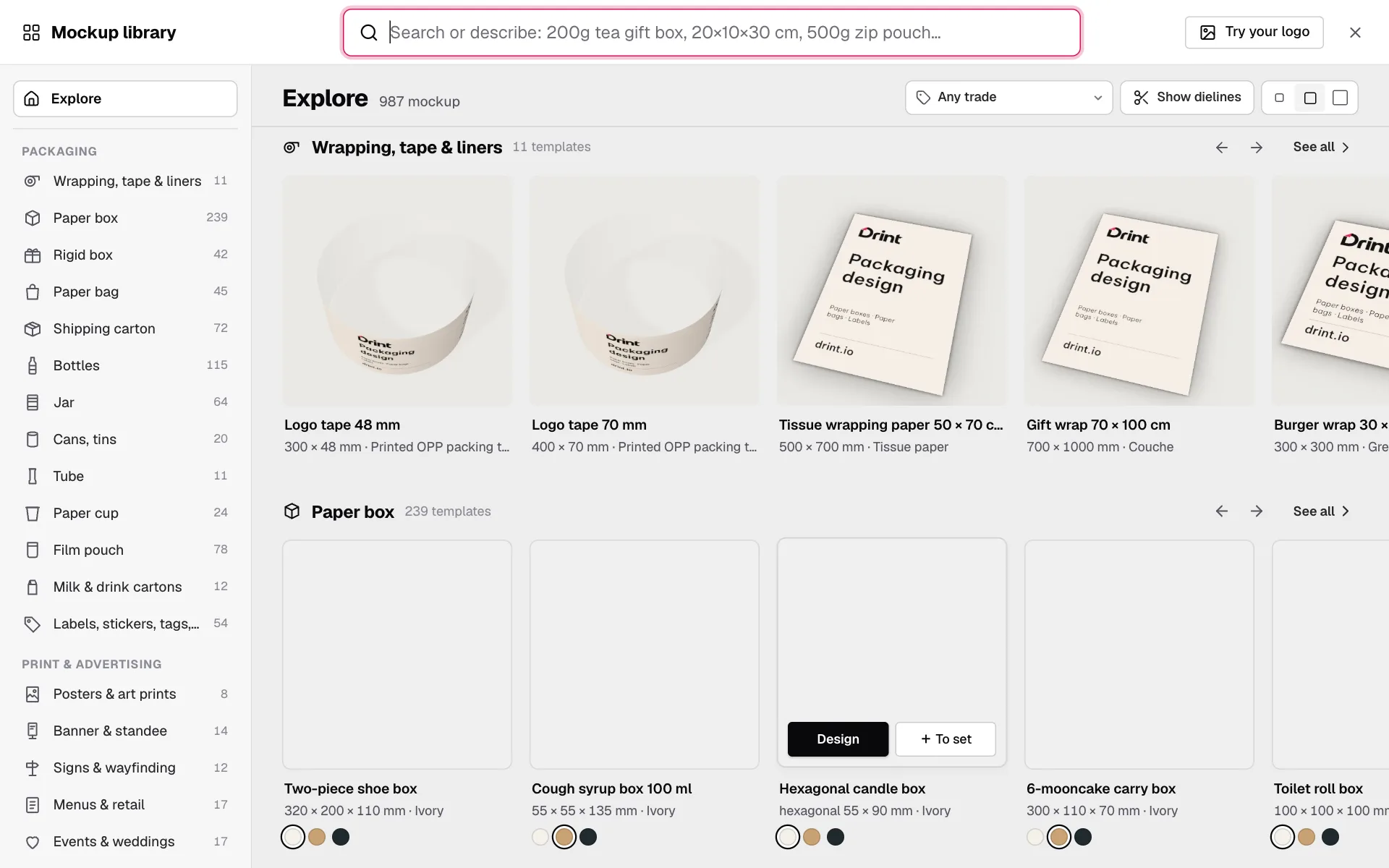 Mockup library and 3D StudioMore than 3,000 bottles, jars, cans, boxes, bags, cartons, cups and printed garments — pick one and your design is on it.
Labels, your page, plans
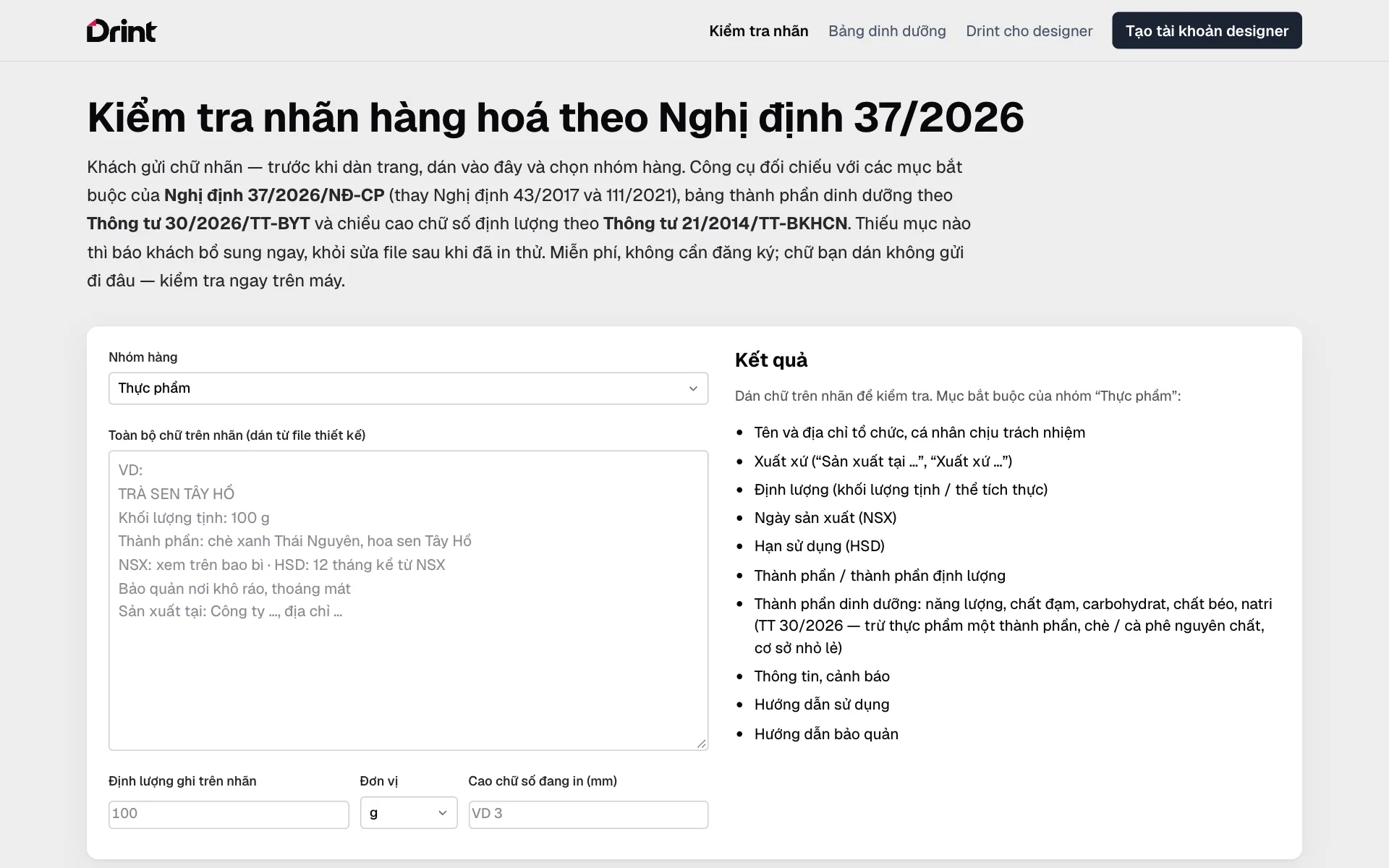 Product labels and nutrition tables (Vietnam)Check a label against Decree 37/2026 and build a nutrition table to Circular 30/2026 — free, for products sold in Vietnam.
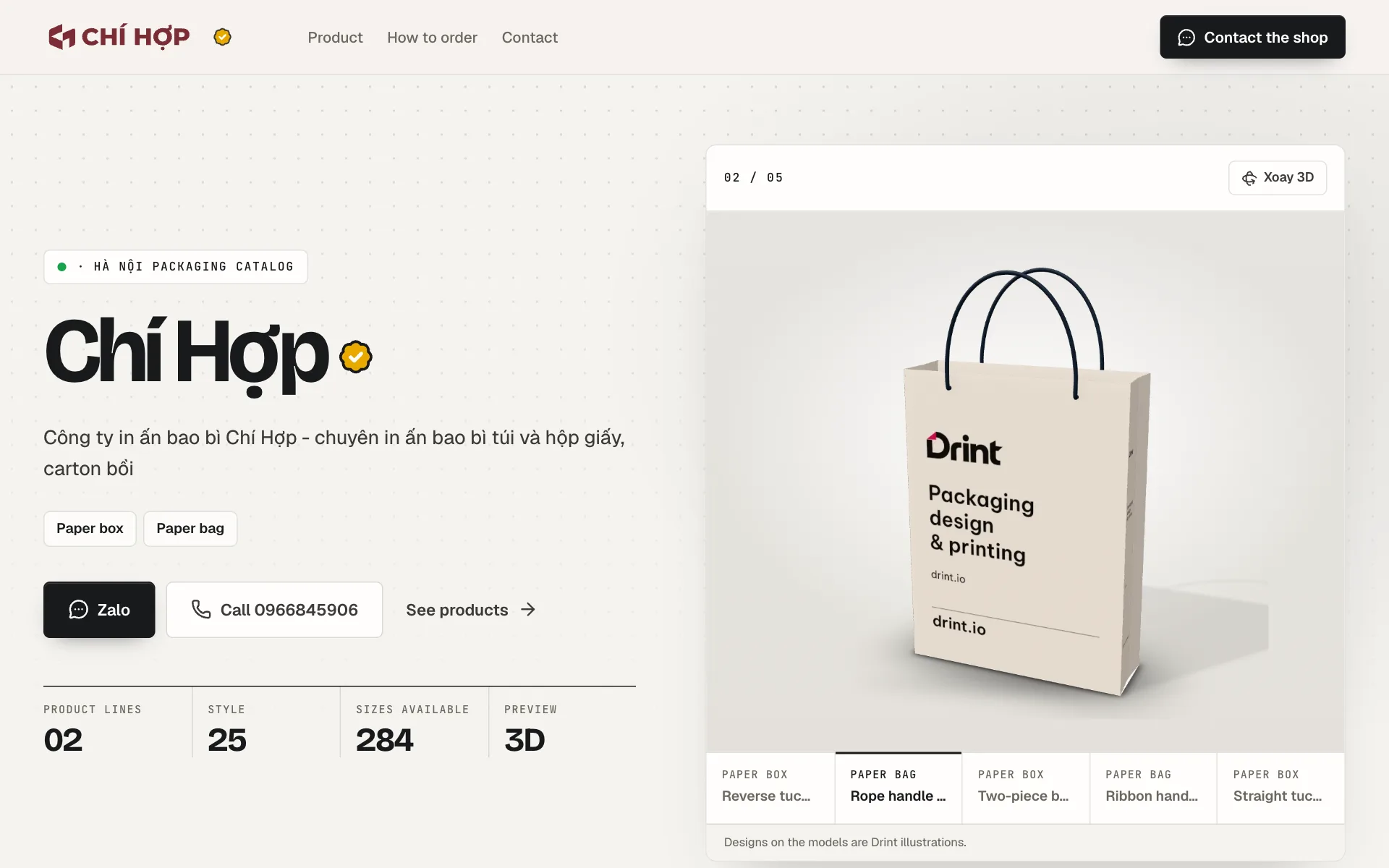 Your page at drint.io/your-nameA portfolio for designers, a catalogue for print shops — one address to send clients, built for phones.
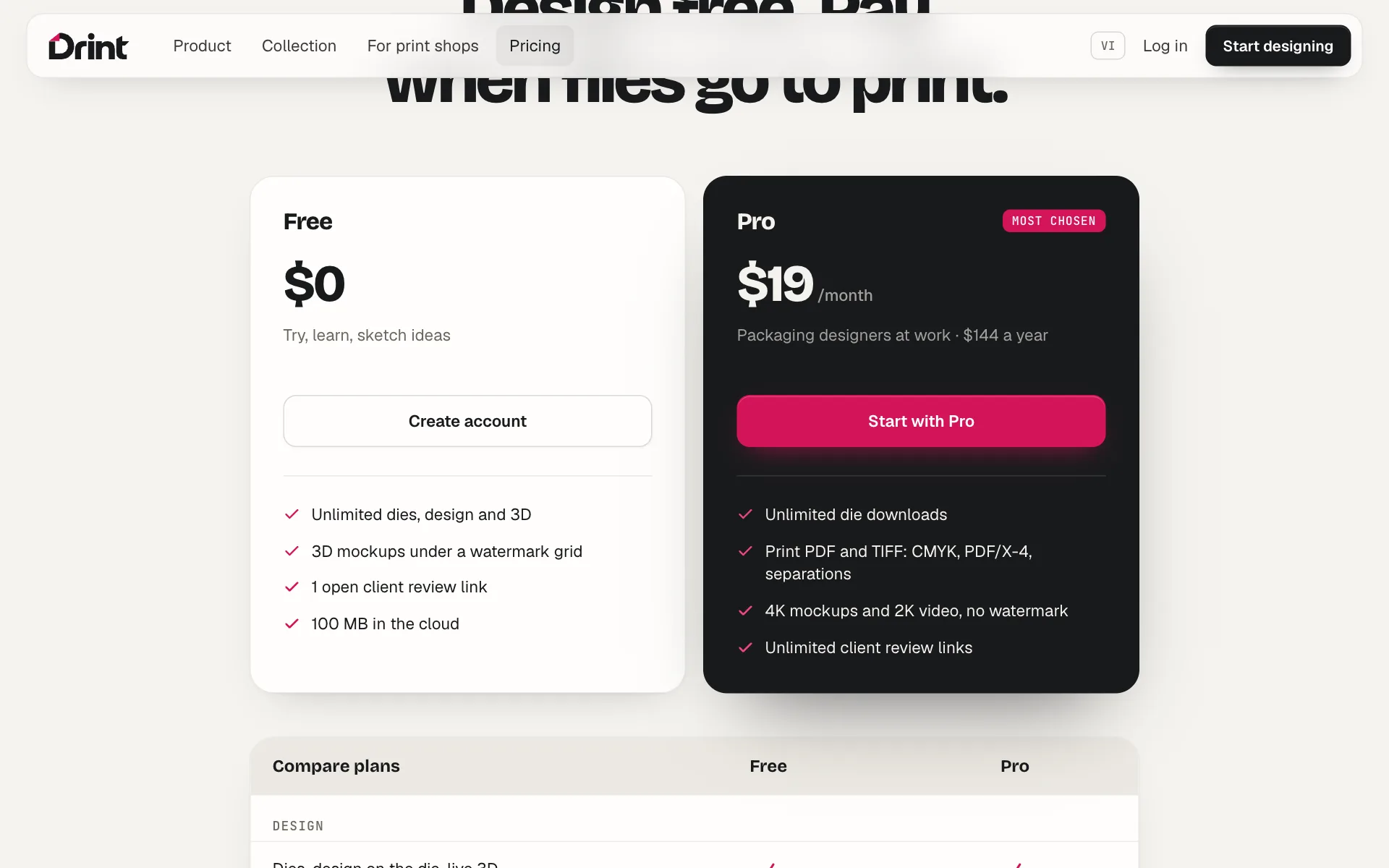 Free, Pro and billingWhat Free does, what Pro adds, and paying by card (or bank QR in Vietnam).
Still stuck? Write to support@drint.io