Device mockups · real 3D
Your screenshot, on a real device.
Drop an app or website screenshot, get an iPhone, Galaxy, Pixel, iPad, Mac, watch or monitor with real glass and studio light — drawn by Drint’s 3D engine, not pasted on a photo. For App Store and Google Play pages, landing heroes, decks and launch posts.
Try it freeUse it from Claude or Cursor
- 102 devices
- No new account
- MCP for AI editors
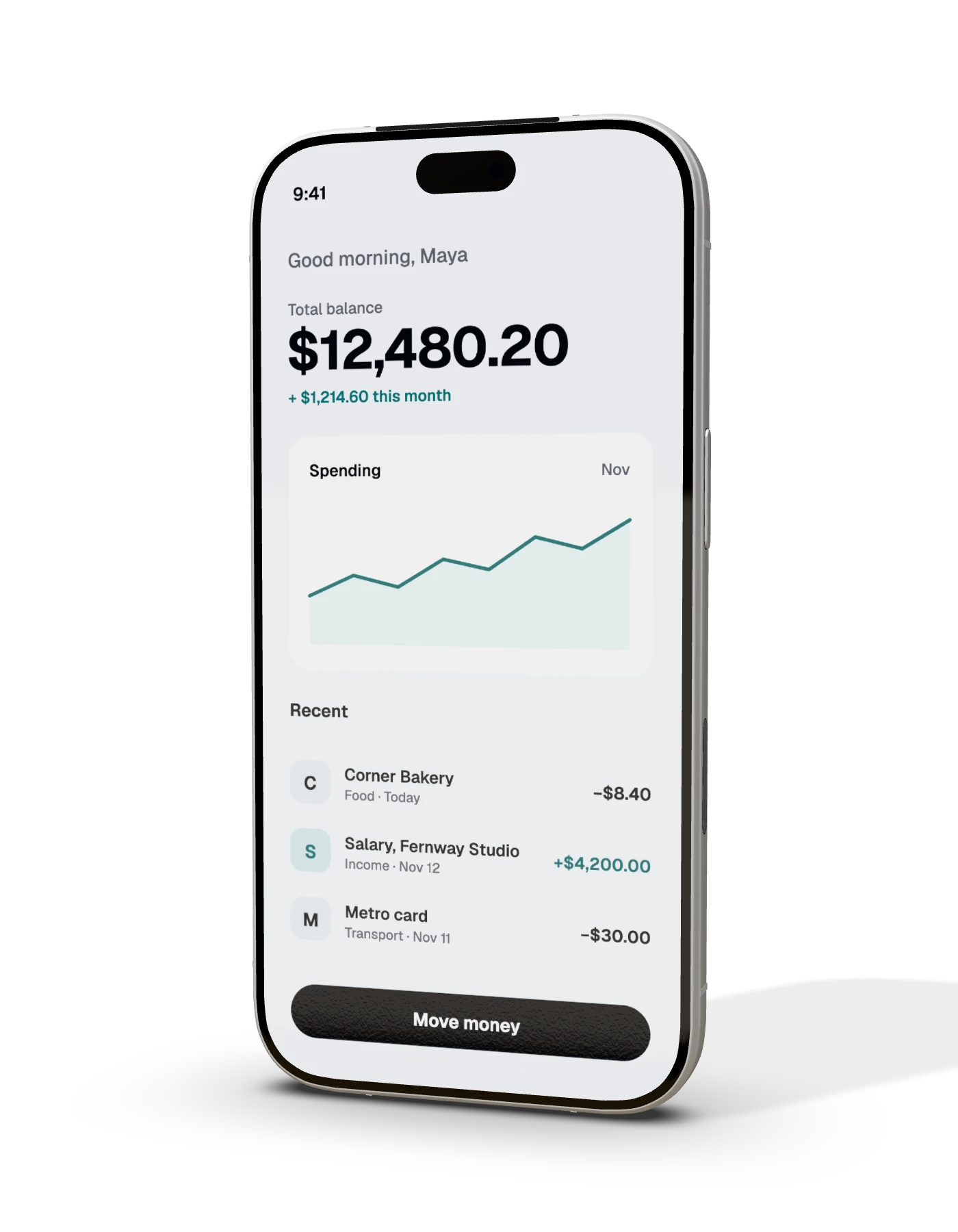
Every screen you ship to.
Each screen takes your screenshot edge to edge, at the exact size it expects. New devices follow the makers’ published sizes.
Phones 50Foldables 2Tablets 24Watches 23Laptops 2Monitors 1
Apple 77Samsung 7Google 7Xiaomi 2OPPO 1OnePlus 1vivo 1Any brand 6
Phones 50
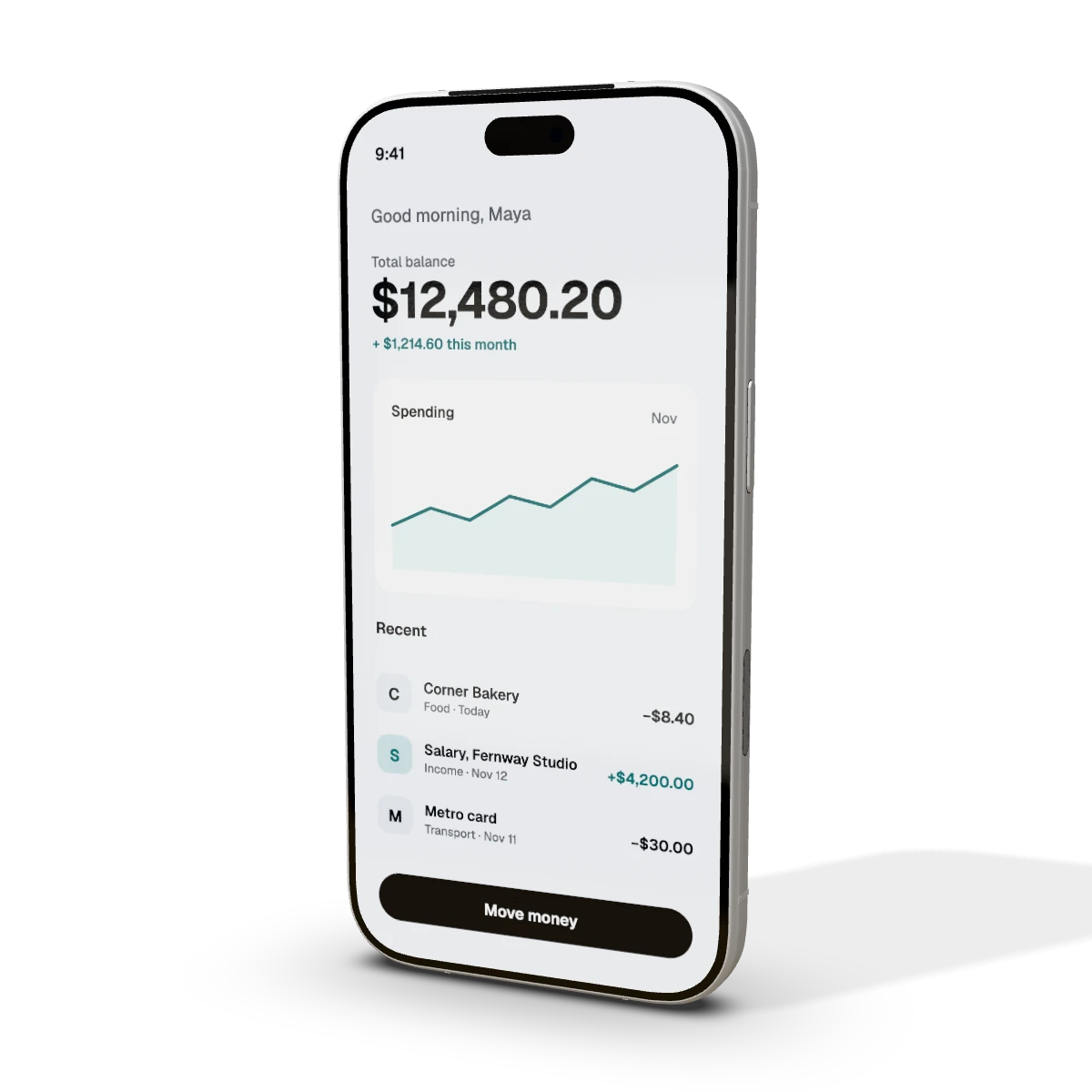 iPhone 18 Pro mockupiPhone 18 Pro, 6.3-inch · 1206 × 2622 px
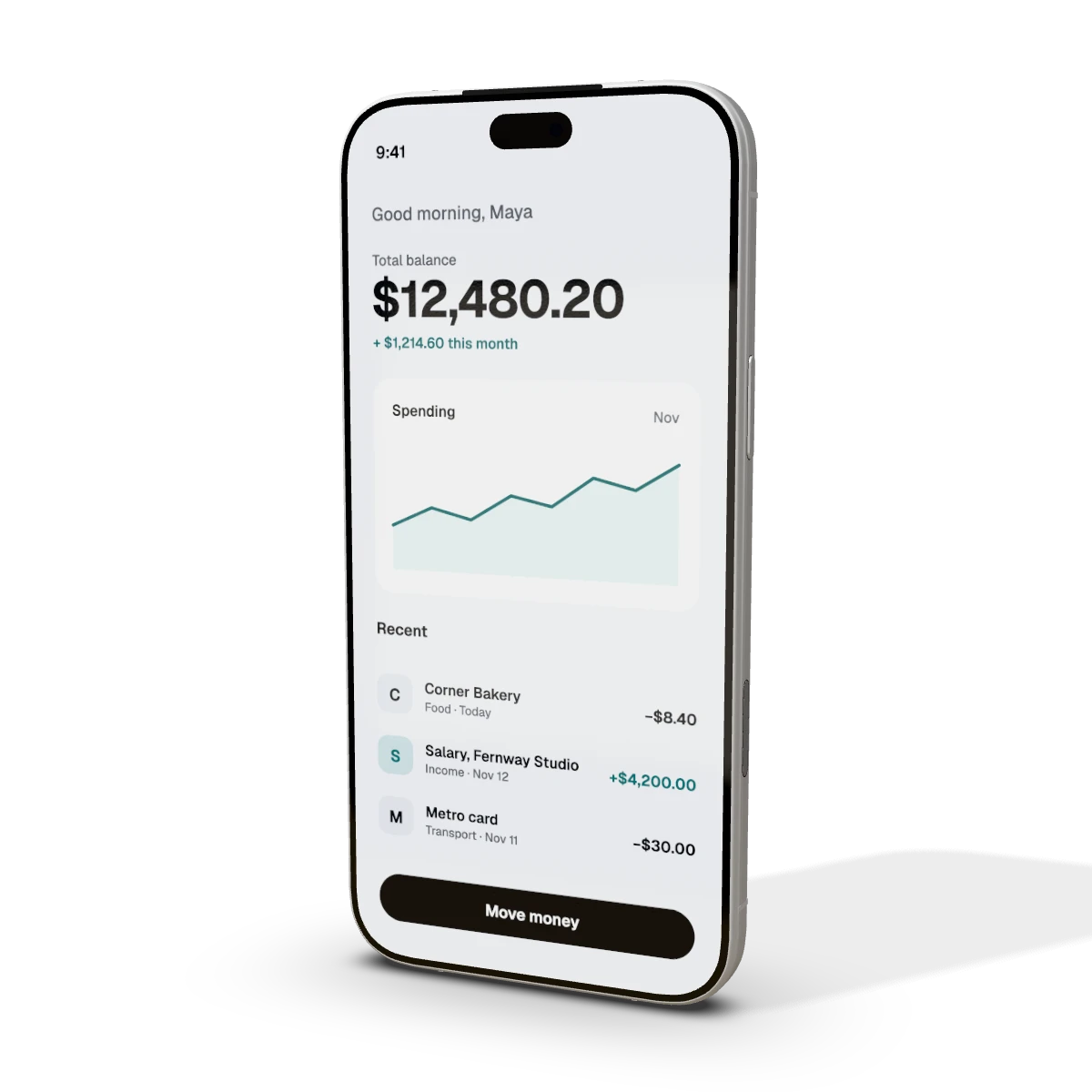 iPhone 18 Pro Max mockupiPhone 18 Pro Max, 6.9-inch · 1320 × 2868 px
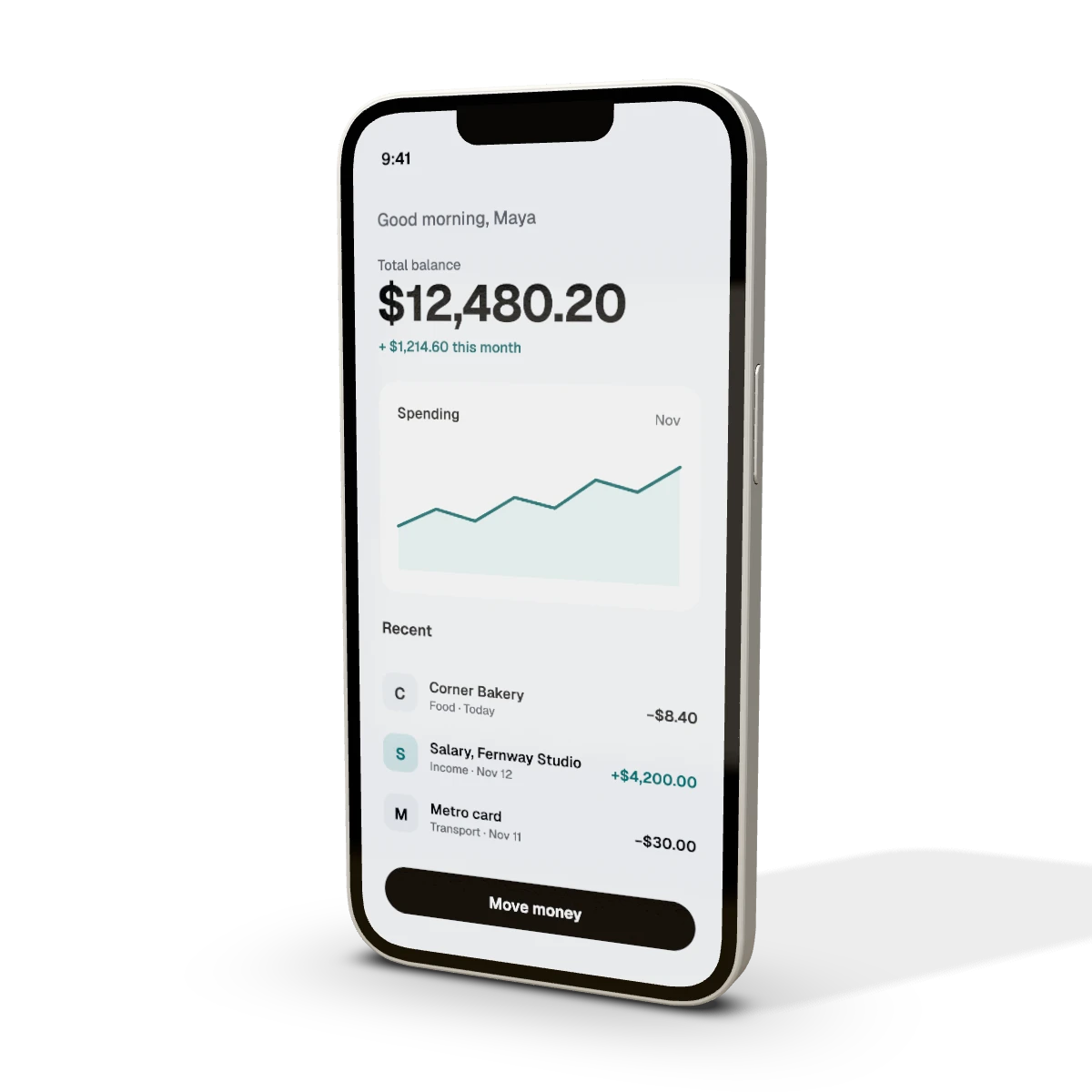 iPhone 17e mockupiPhone 17e, 6.1-inch · 1170 × 2532 px
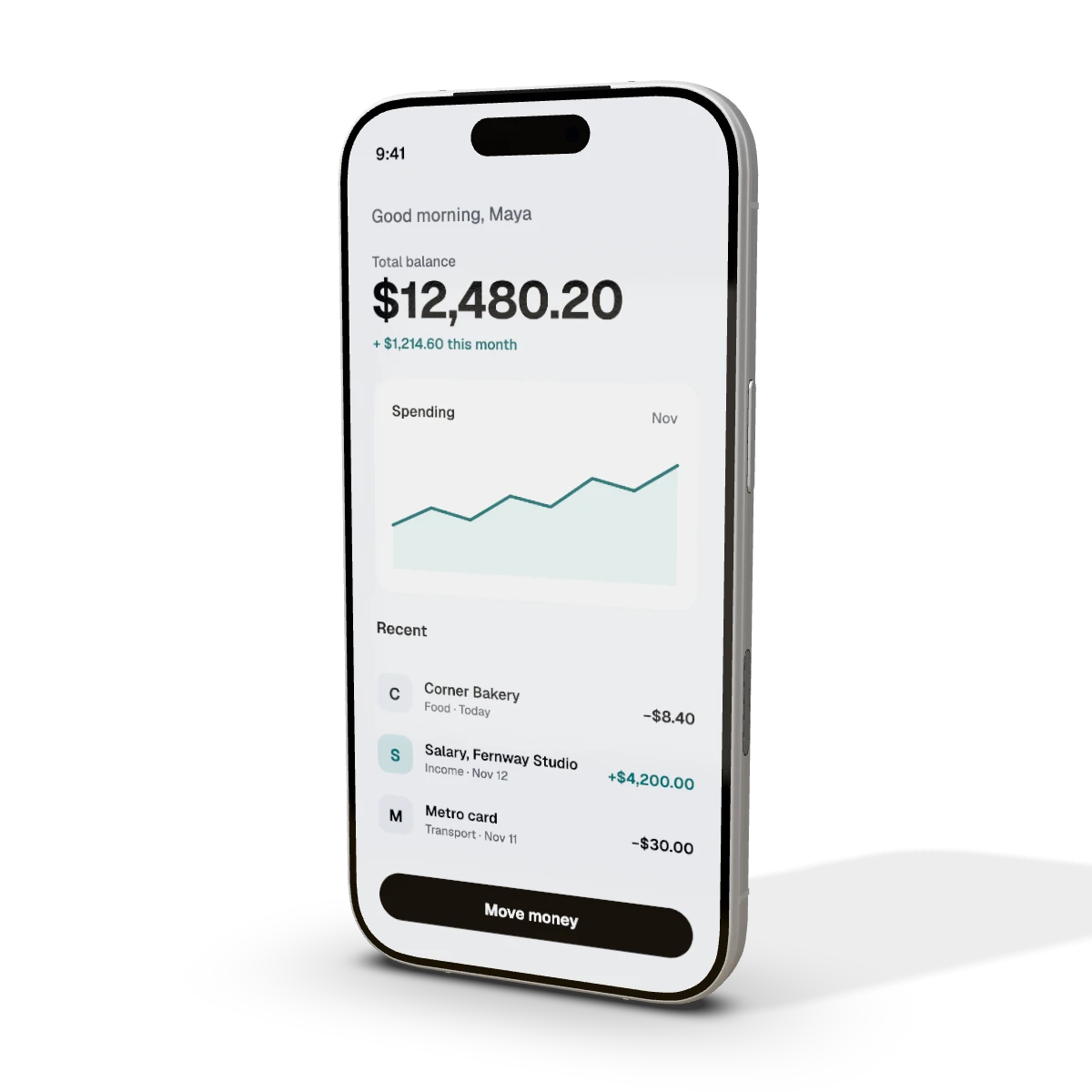 iPhone 17 Pro mockupiPhone 17 Pro, 6.3-inch · 1206 × 2622 px
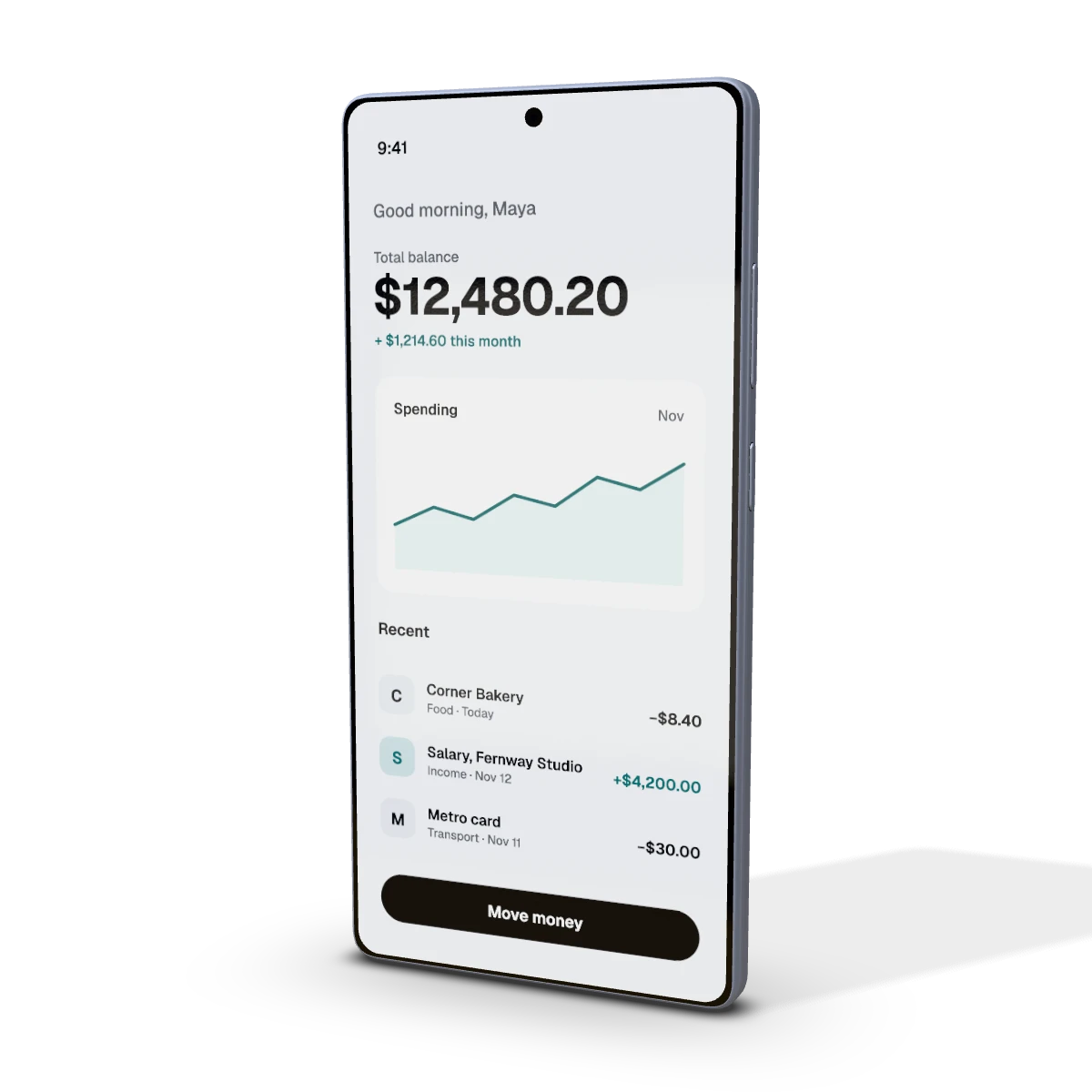 Samsung Galaxy S25 Ultra mockupSamsung Galaxy S25 Ultra, 6.9-inch · 1440 × 3120 px
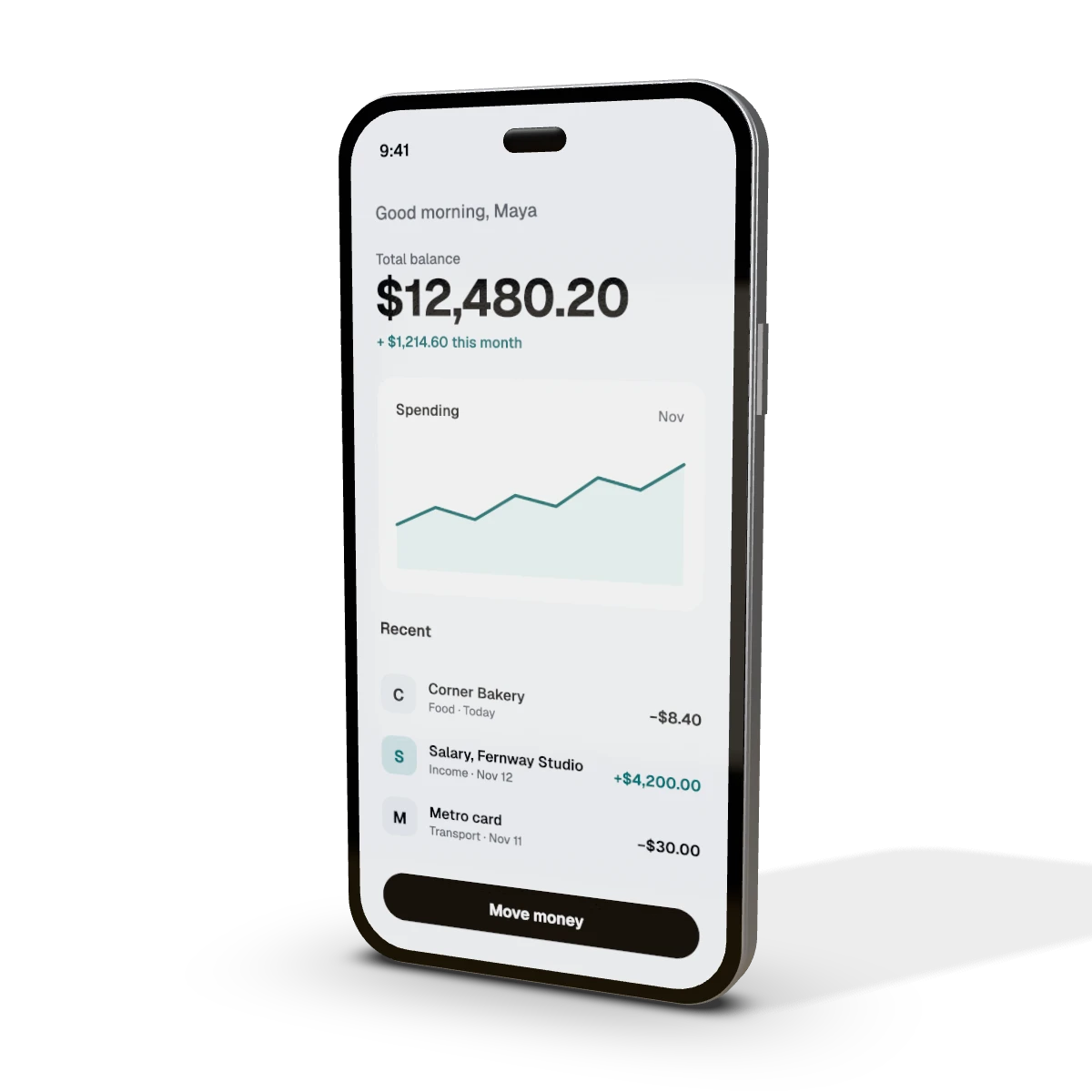 Samsung Galaxy S25 Edge mockupSamsung Galaxy S25 Edge, 6.7-inch · 1440 × 3120 pxSamsung Galaxy S25+ mockupSamsung Galaxy S25+, 6.7-inch · 1440 × 3120 pxSamsung Galaxy S25 mockupSamsung Galaxy S25, 6.2-inch · 1080 × 2340 pxGoogle Pixel 10 Pro XL mockupGoogle Pixel 10 Pro XL, 6.8-inch · 1344 × 2992 pxGoogle Pixel 10 Pro mockupGoogle Pixel 10 Pro, 6.3-inch · 1280 × 2856 pxGoogle Pixel 10 mockupGoogle Pixel 10, 6.3-inch · 1080 × 2424 pxGoogle Pixel 9a mockupGoogle Pixel 9a, 6.3-inch · 1080 × 2424 pxXiaomi 15 Ultra mockupXiaomi 15 Ultra, 6.73-inch · 1440 × 3200 pxXiaomi 15 mockupXiaomi 15, 6.36-inch · 1200 × 2670 pxOPPO Find X8 Pro mockupOPPO Find X8 Pro, 6.78-inch · 1264 × 2780 pxOnePlus 13 mockupOnePlus 13, 6.82-inch · 1440 × 3168 pxvivo X200 Pro mockupvivo X200 Pro, 6.78-inch · 1260 × 2800 pxPhone mockupFull-screen phone · 1179 × 2556 px
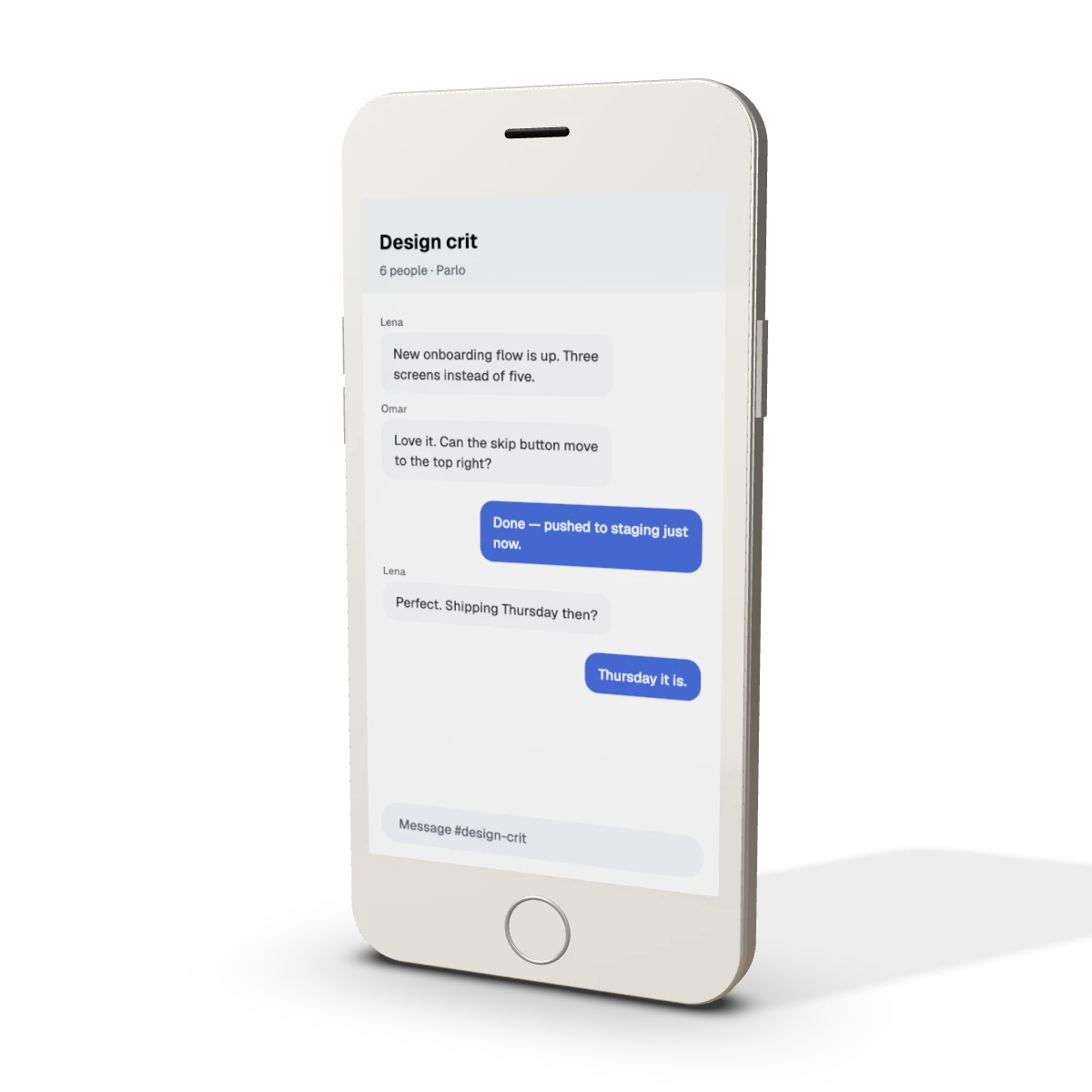 Phone with home button mockupPhone with home button · 750 × 1334 px
Foldables 2
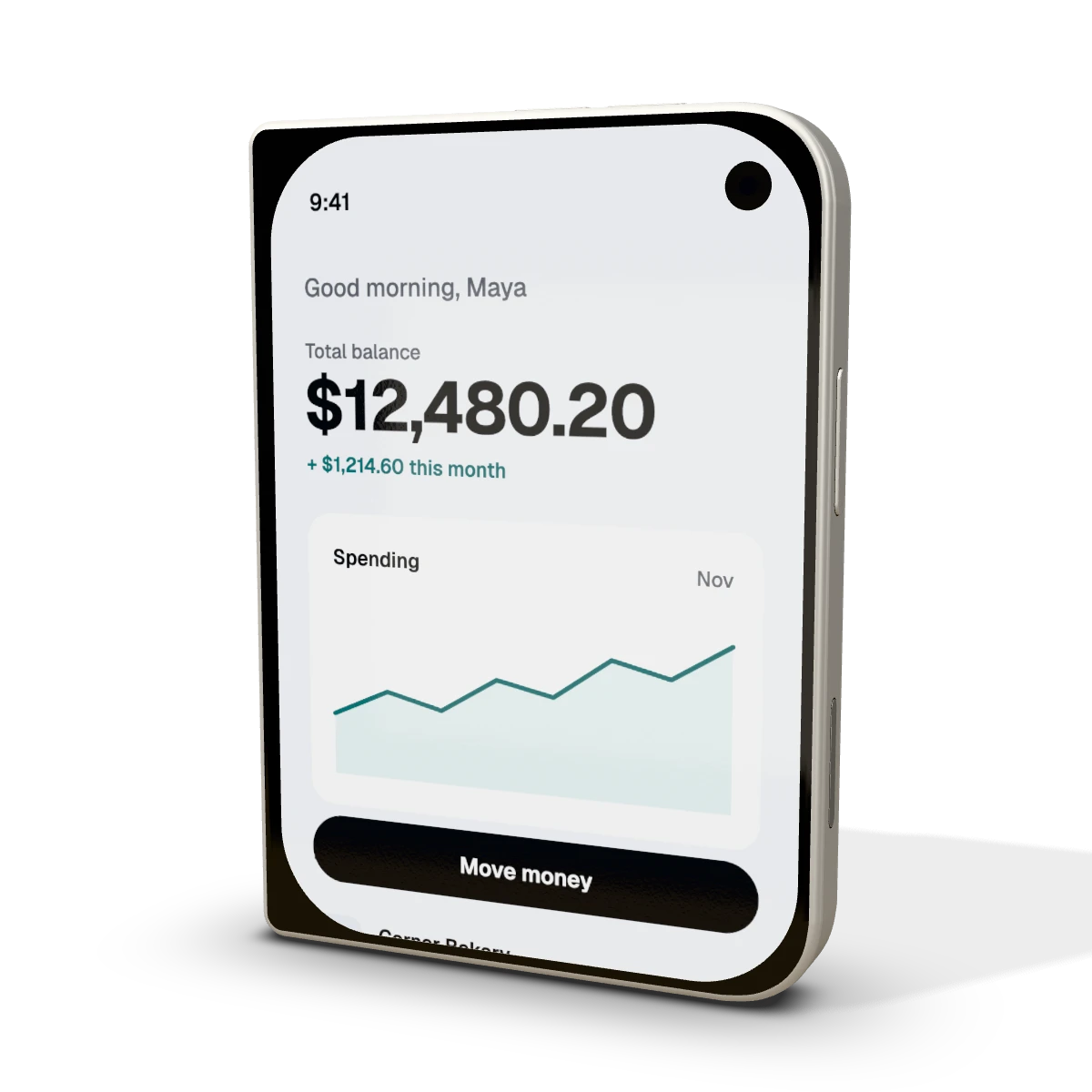 iPhone Duo mockupiPhone Duo, closed, 5.4-inch outer display · 1398 × 2034 px
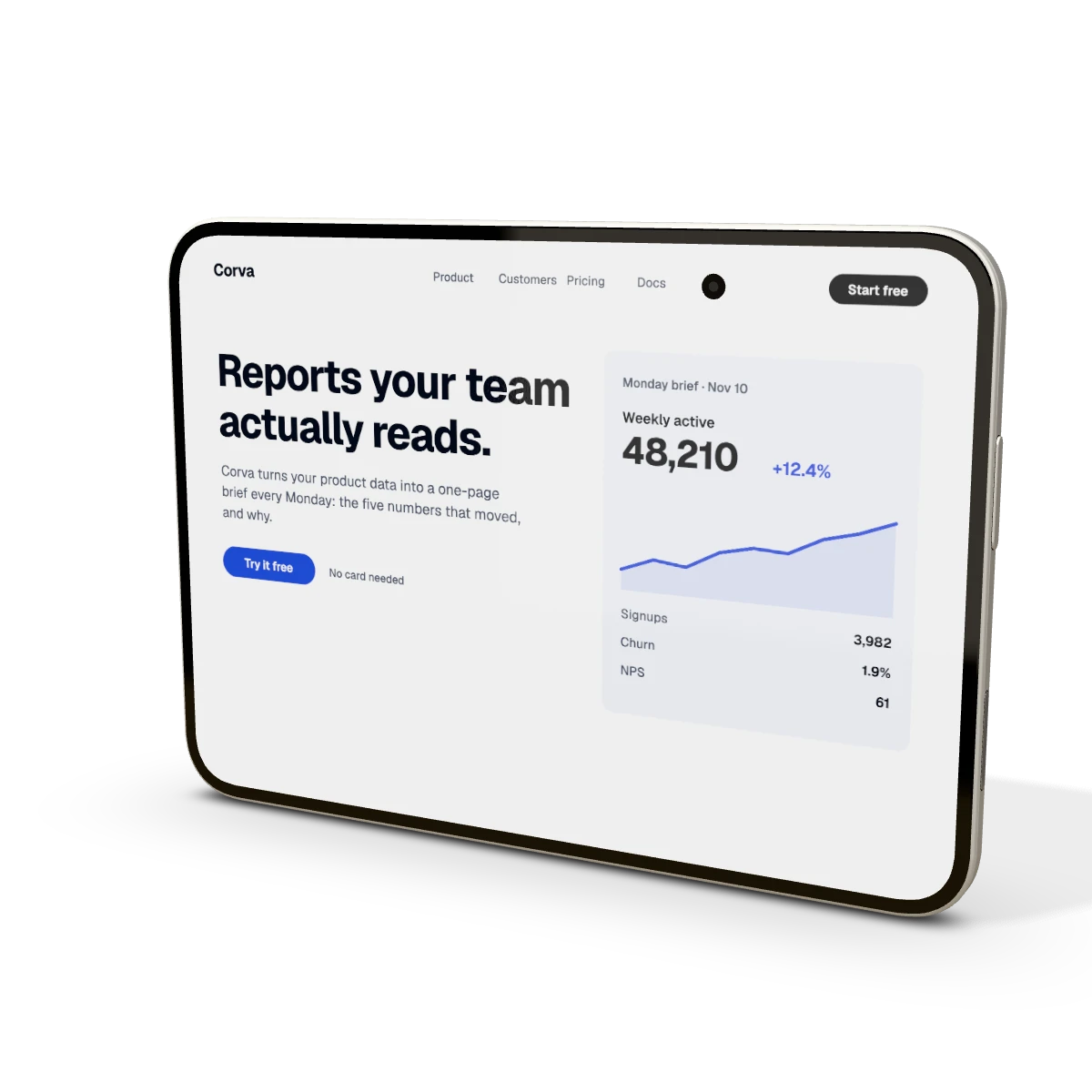 iPhone Duo open mockupiPhone Duo, open, 7.6-inch inner display · 2670 × 1878 px
Tablets 24
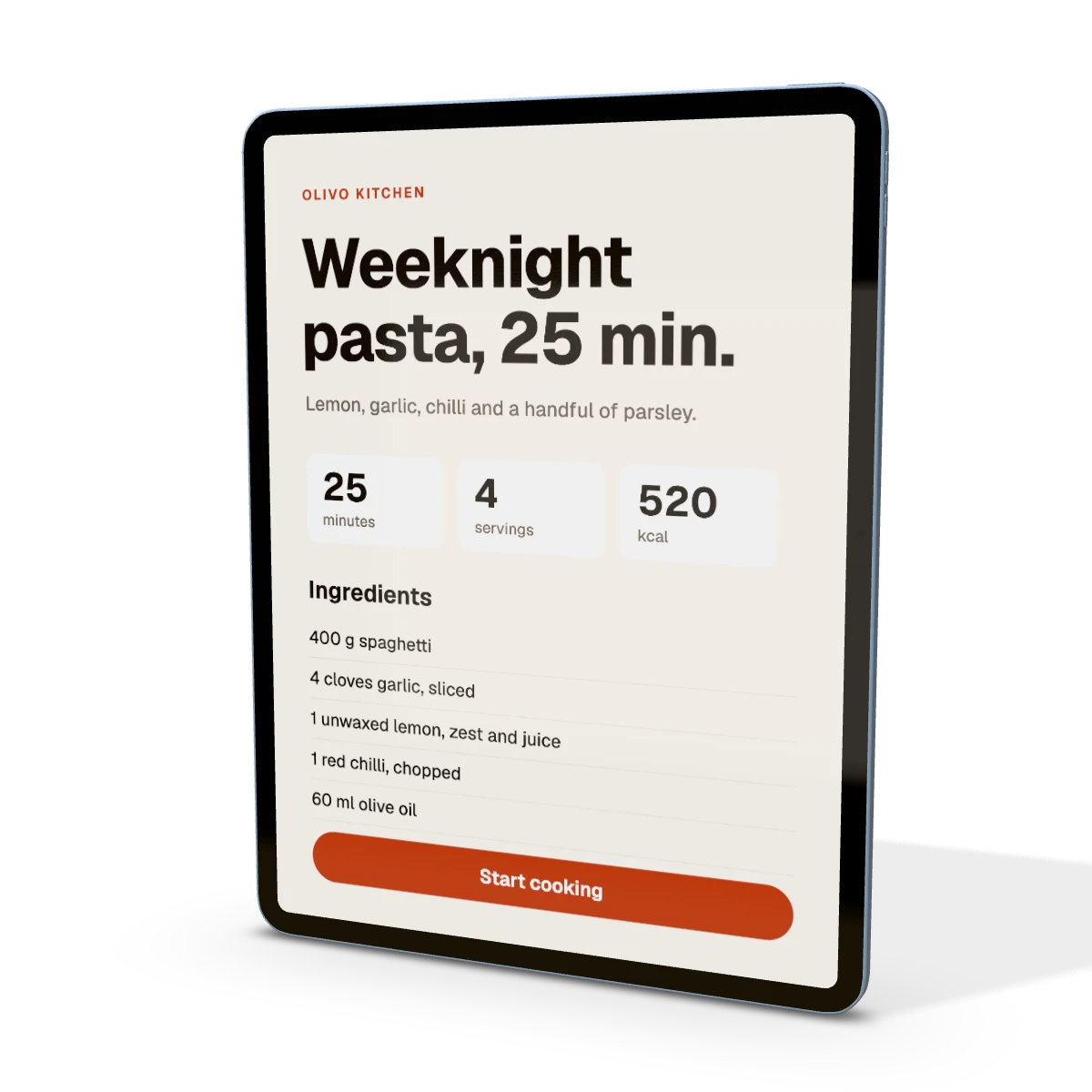 iPad Air 13-inch (M4) mockupiPad Air 13-inch (M4) · 2048 × 2732 px
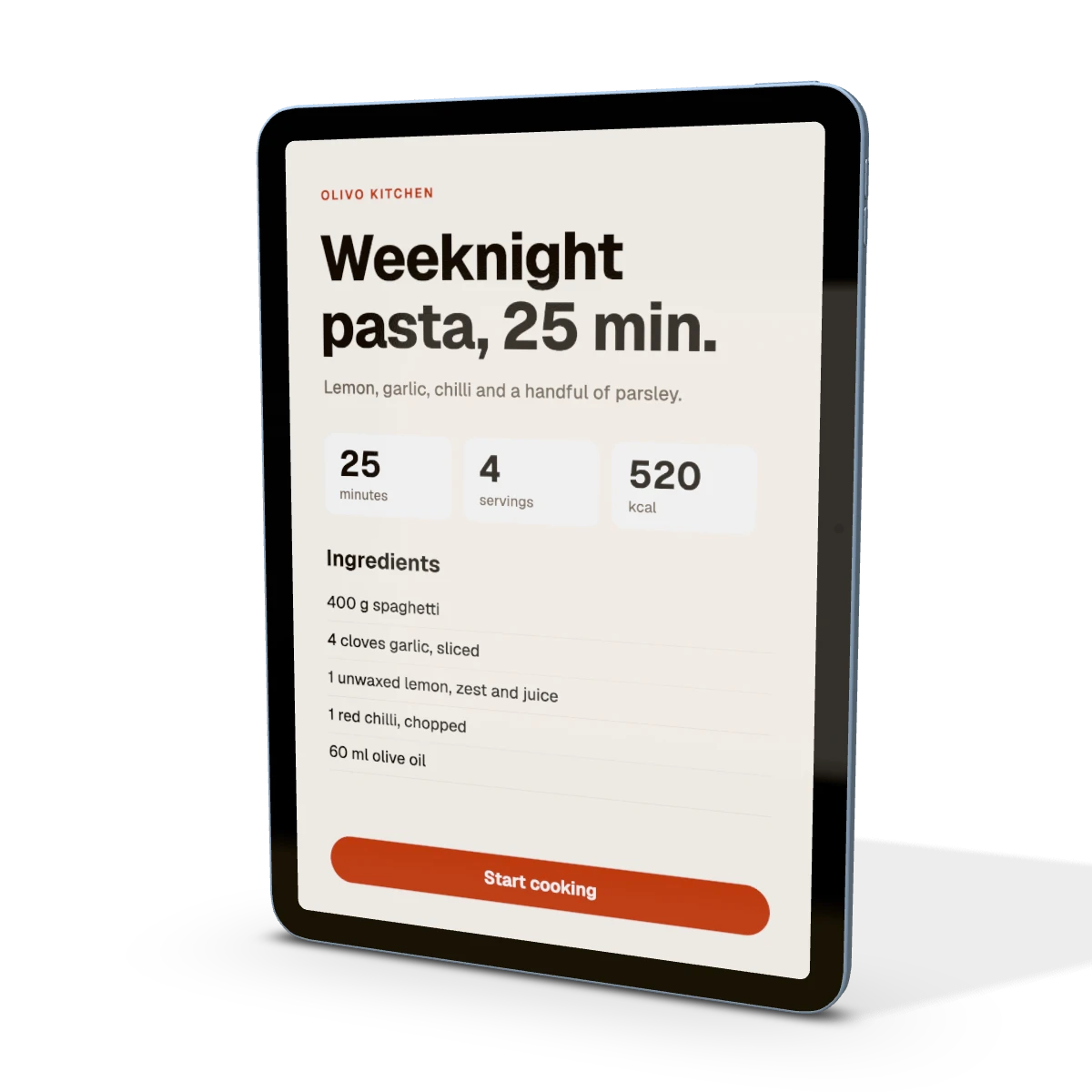 iPad Air 11-inch (M4) mockupiPad Air 11-inch (M4) · 1640 × 2360 px
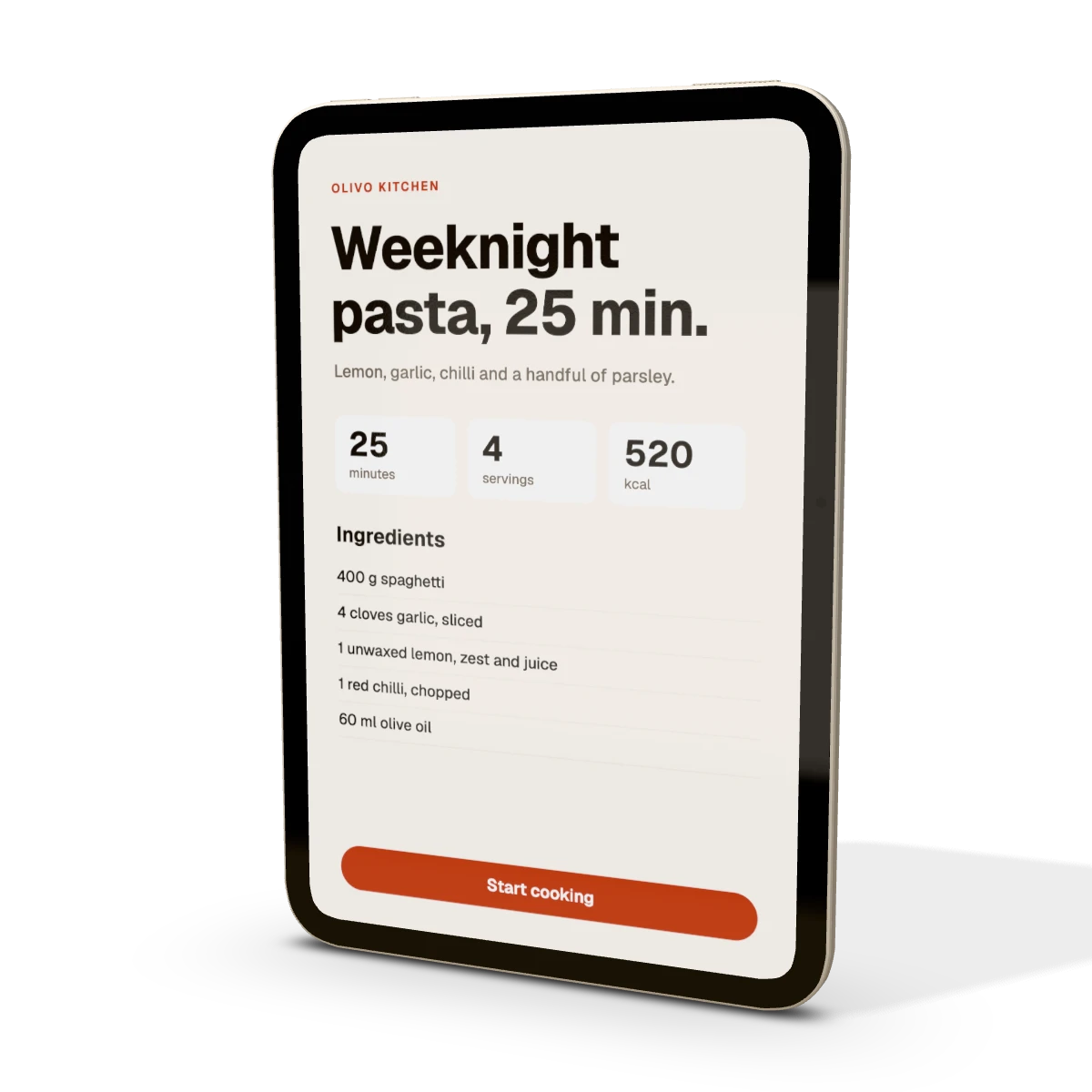 iPad mini (A20 Pro) mockupiPad mini (A20 Pro) · 1512 × 2316 px
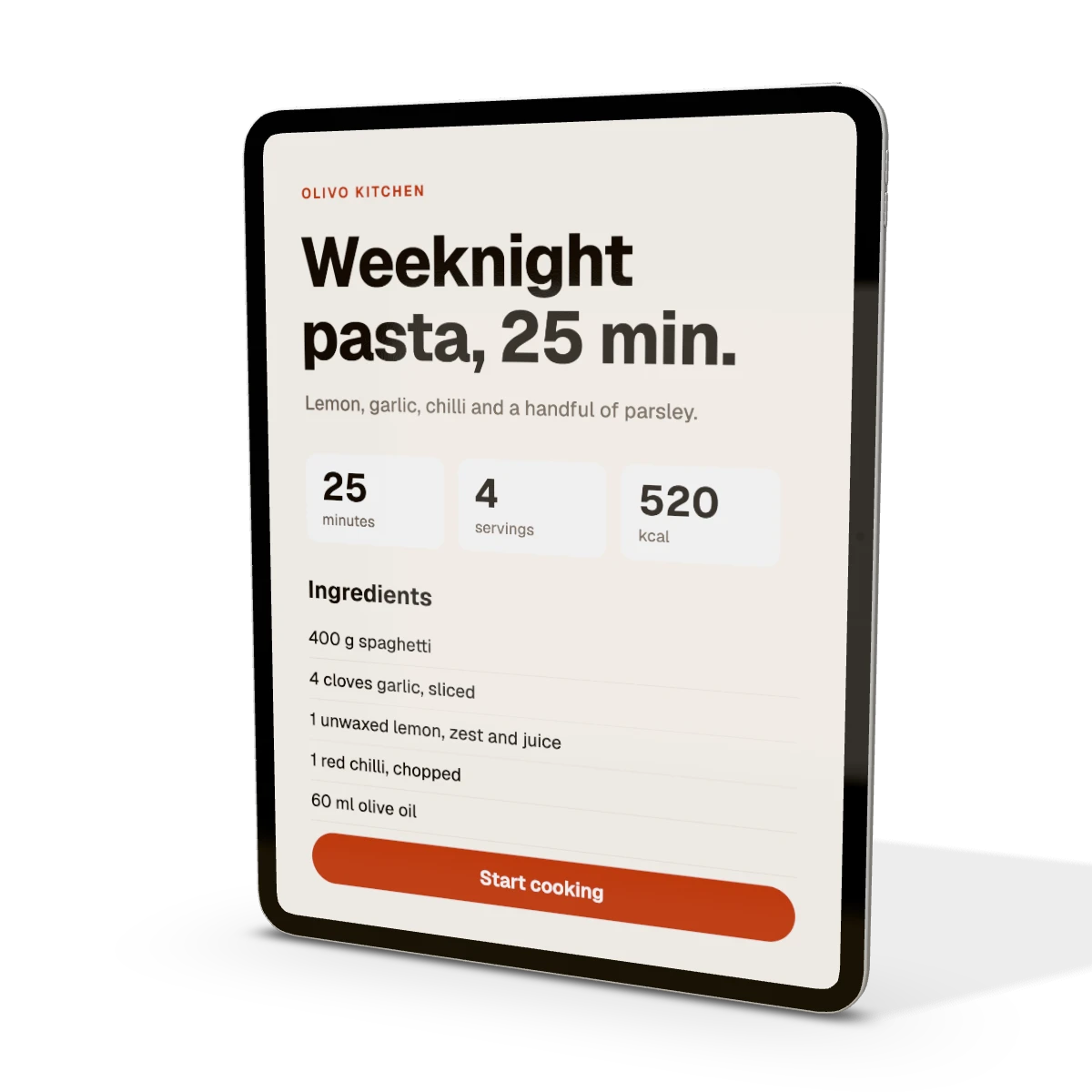 iPad Pro 13-inch (M5) mockupiPad Pro 13-inch (M5) · 2064 × 2752 px
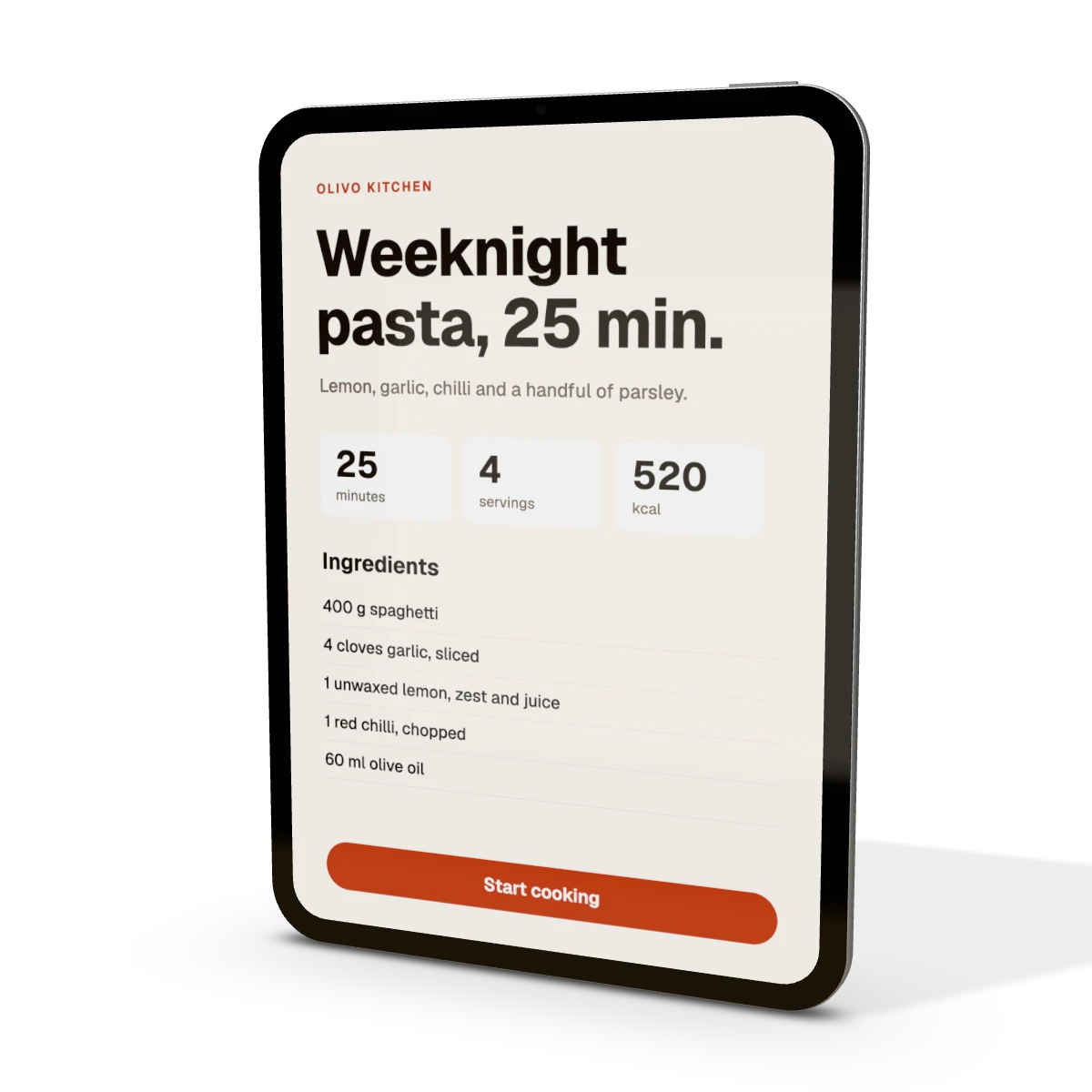 Tablet mockup11-inch tablet · 1668 × 2388 px
Watches 23
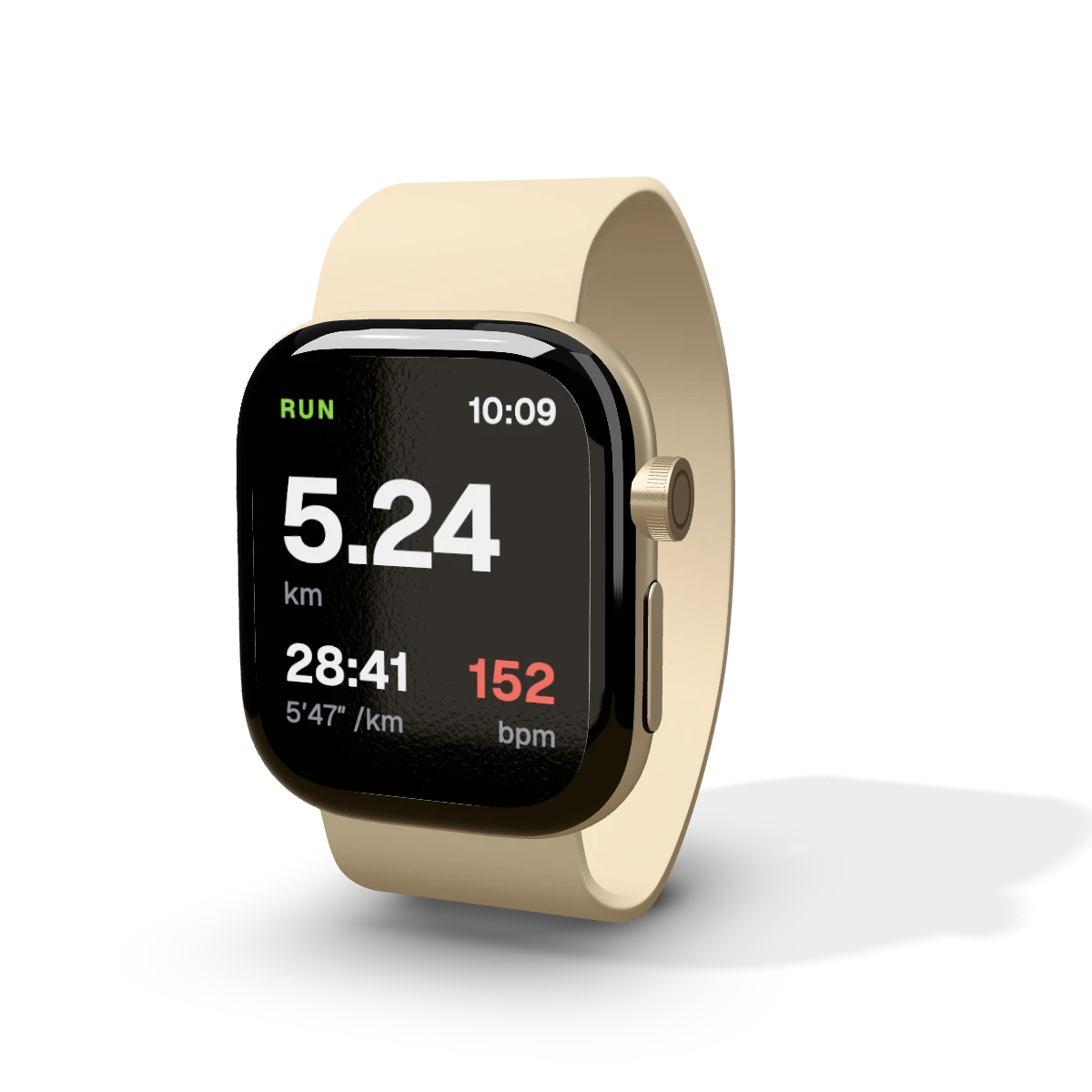 Apple Watch Series 12 (46 mm) mockupApple Watch Series 12 (46 mm) · 416 × 496 px
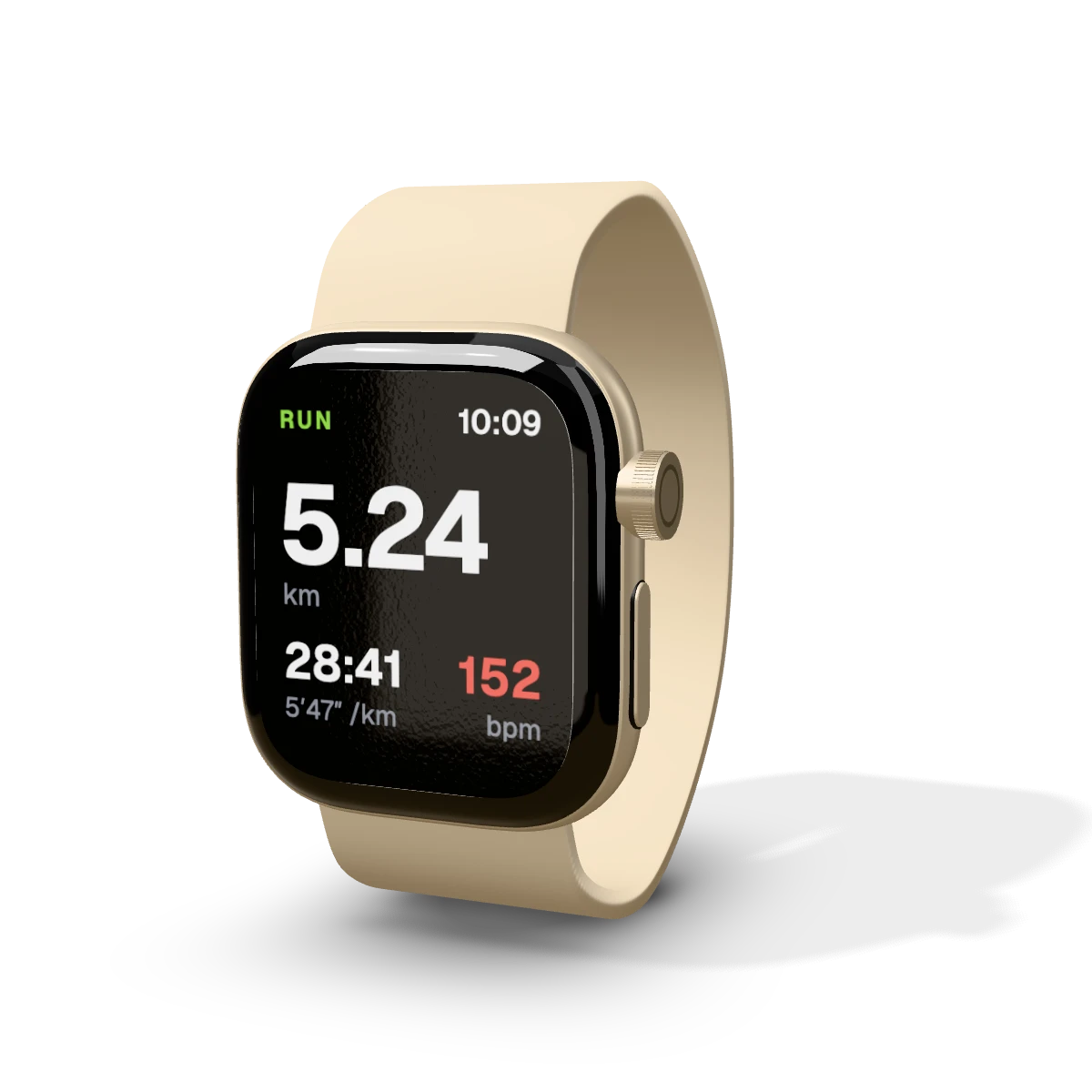 Apple Watch Series 12 (42 mm) mockupApple Watch Series 12 (42 mm) · 374 × 446 px
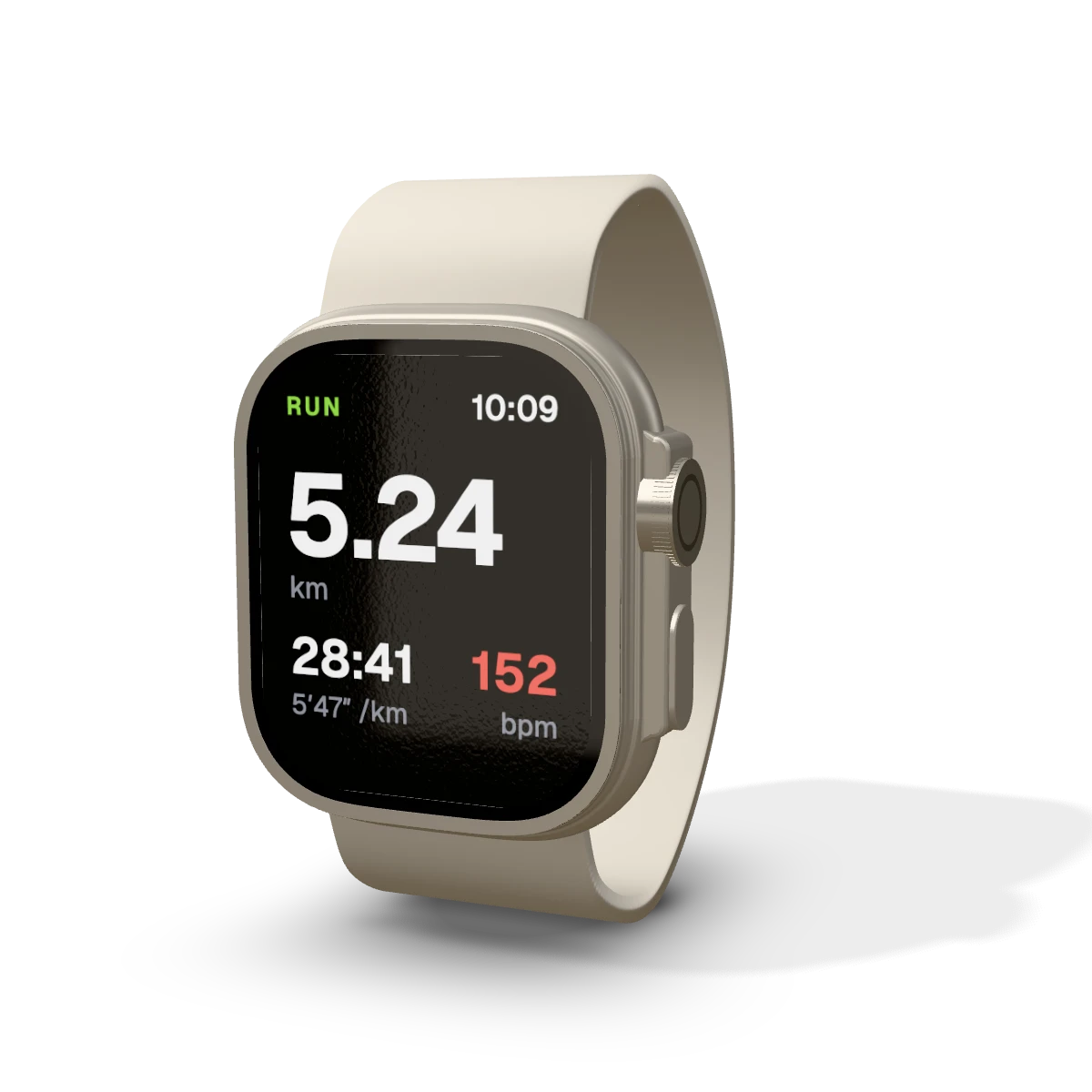 Apple Watch Ultra 4 mockupApple Watch Ultra 4 · 422 × 514 px
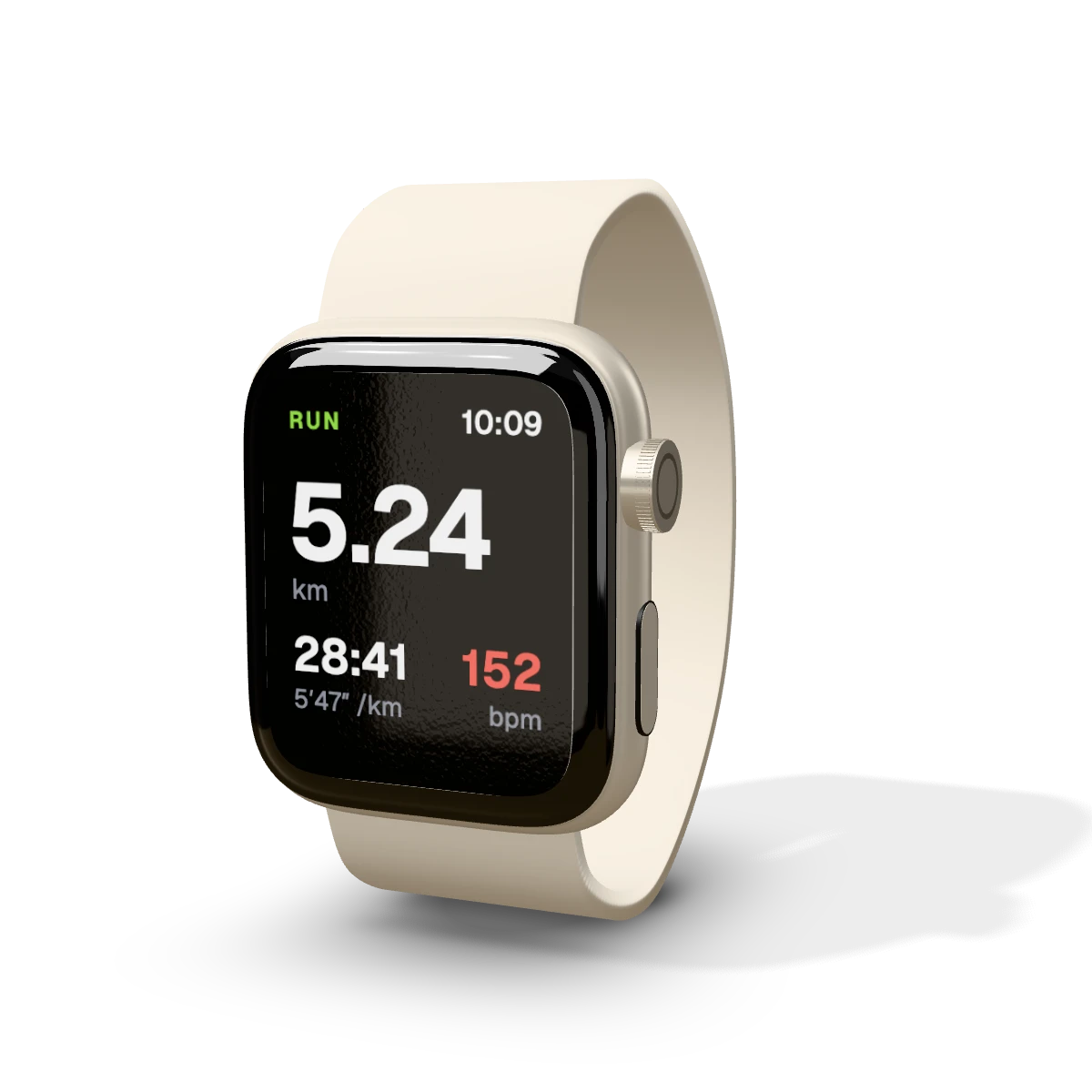 Apple Watch SE 3 (44 mm) mockupApple Watch SE 3 (44 mm) · 368 × 448 px
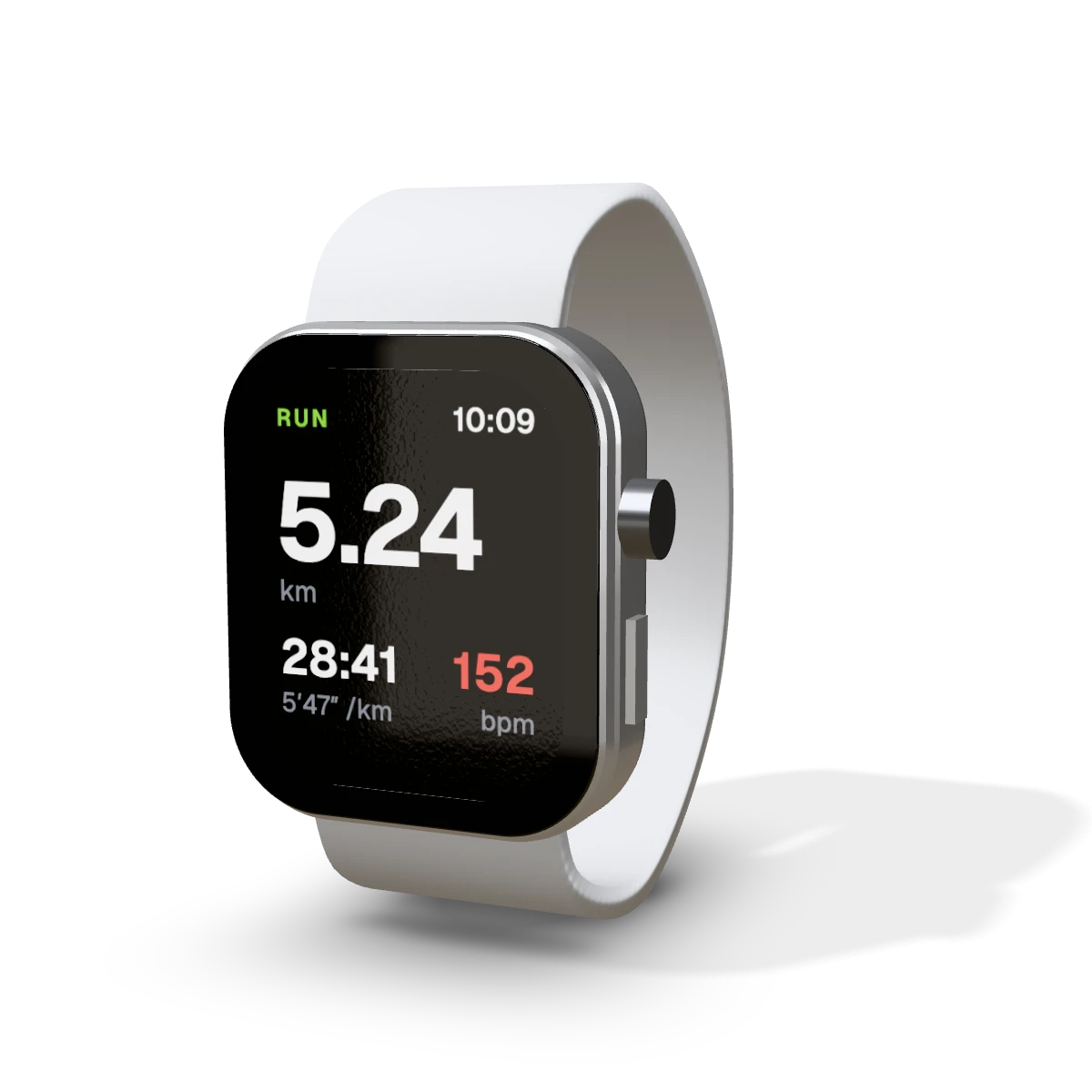 Smartwatch mockupSmartwatch with rubber strap · 368 × 448 px
Laptops 2
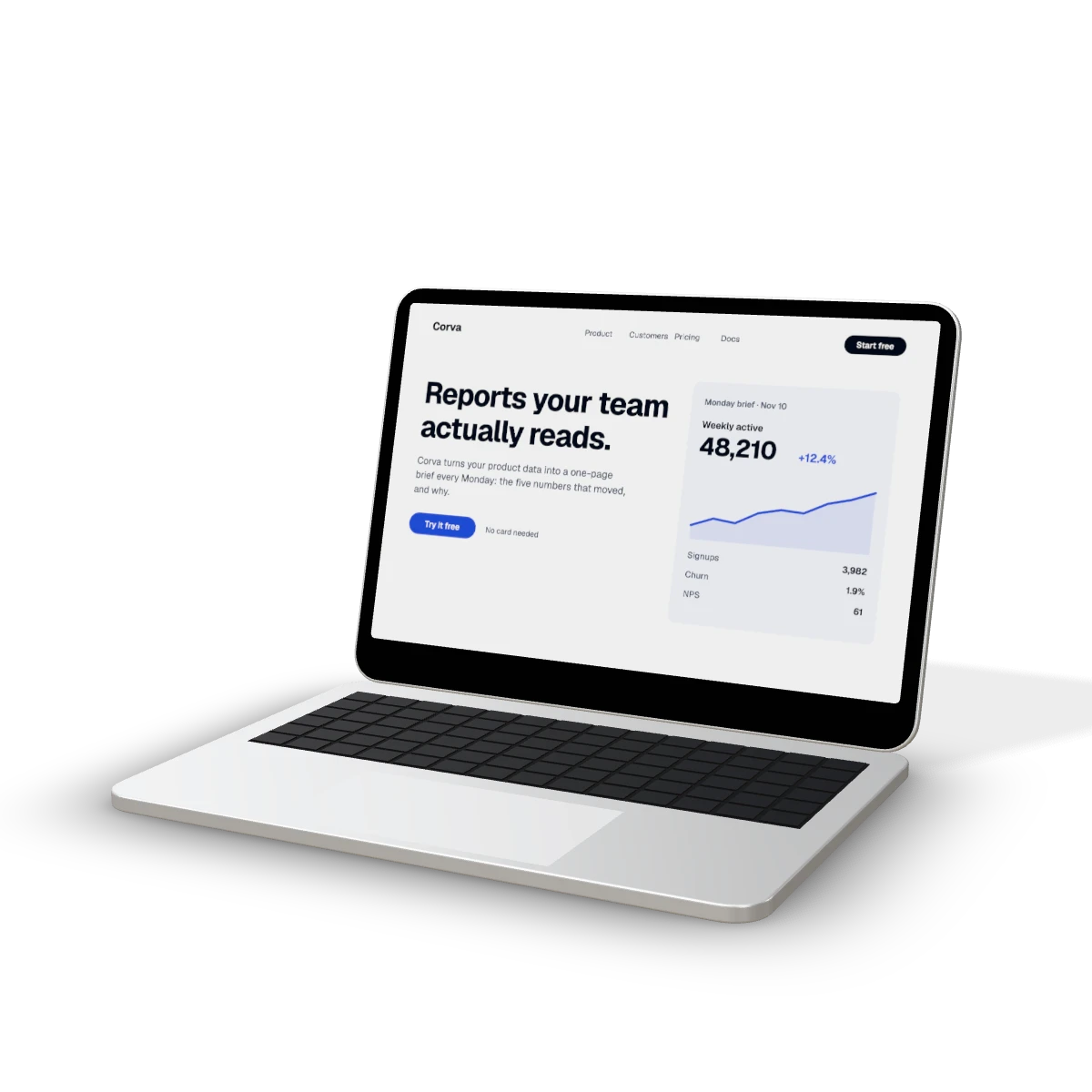 MacBook Neo mockupMacBook Neo, 13-inch, open · 2408 × 1506 px
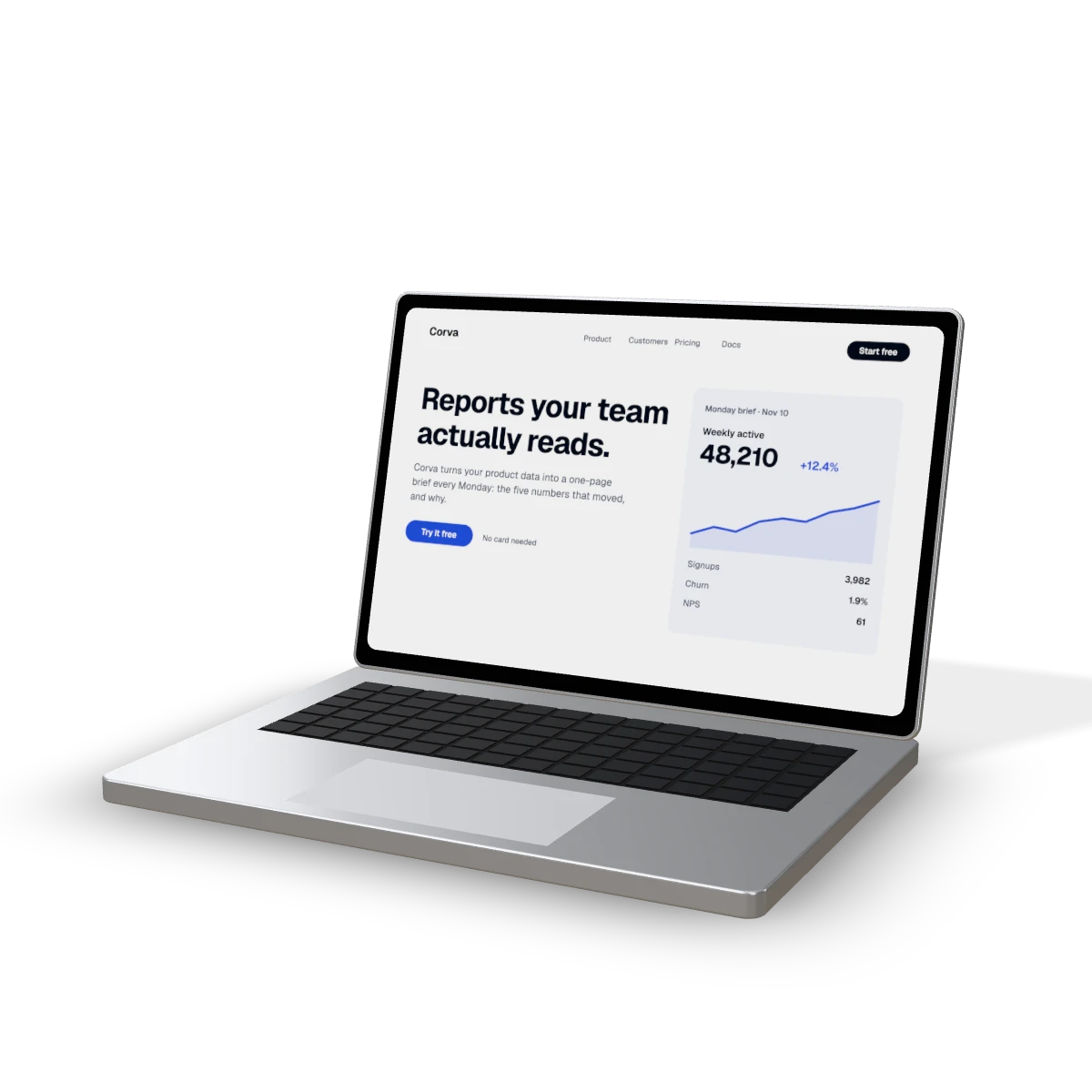 Laptop mockup14-inch laptop, open · 3024 × 1900 px
Monitors 1
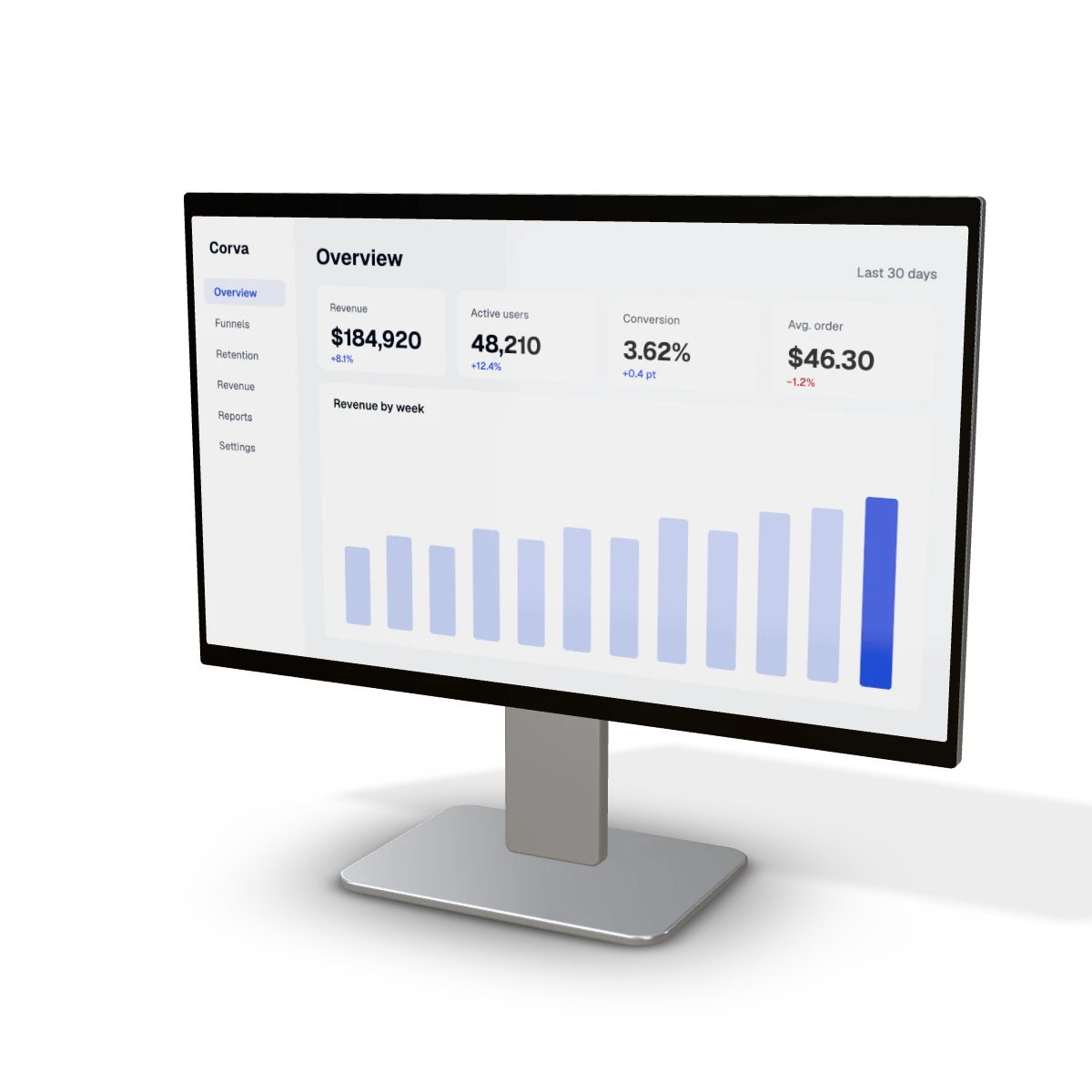 Monitor mockup24-inch monitor · 1920 × 1080 px
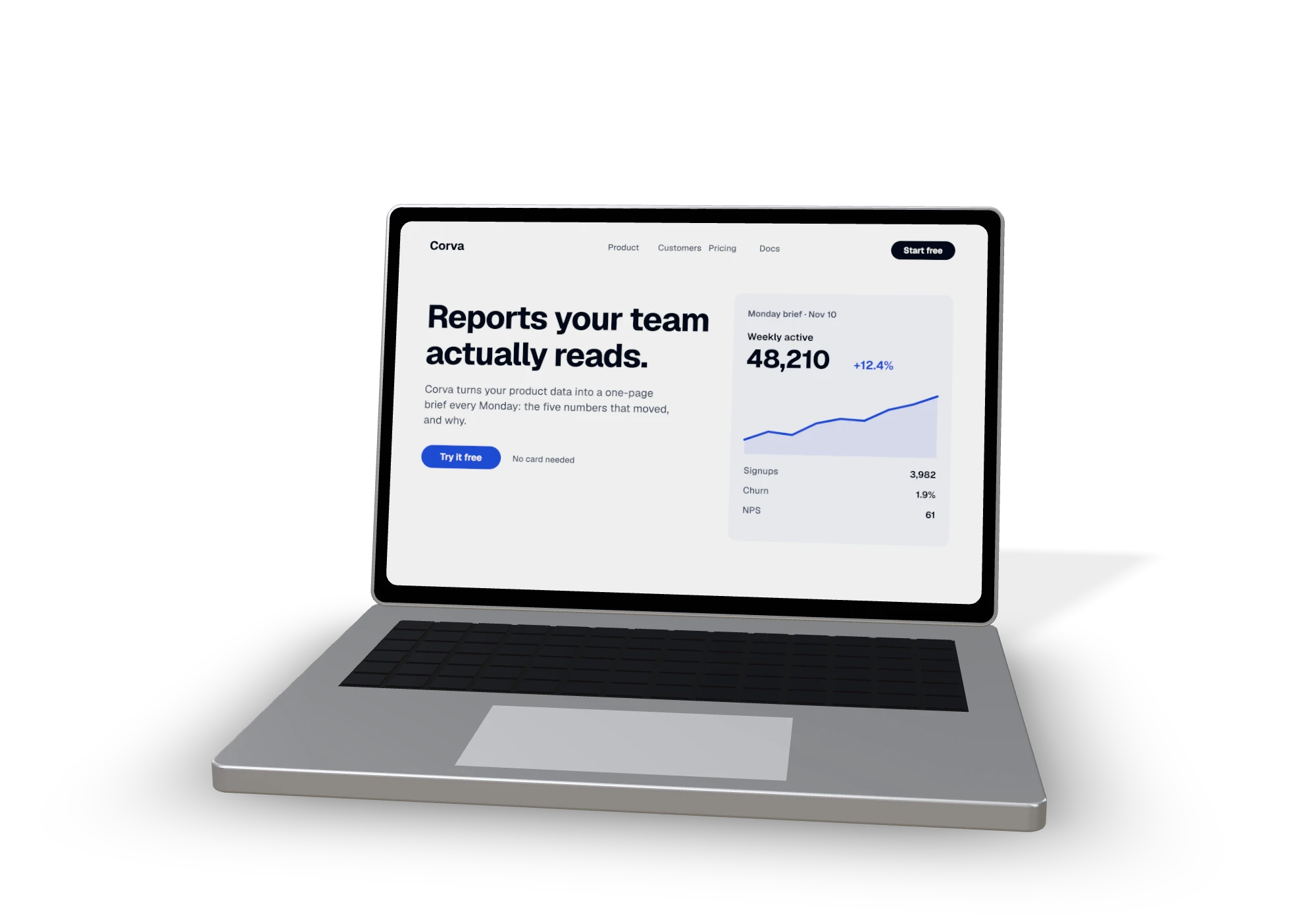
Real glass. Real light.
- Not a flat frameThe device is a 3D model: the screen catches the studio light like real glass.
- Day-one devicesScreen sizes change every year; Drisp models new ones from the published dimensions.
- Clean exportsPNG on studio grey, white or transparent, ready for a store page or a hero.
Mockups from your editor.
Add the Drisp MCP server to Claude, Claude Code, Cursor, ChatGPT or any MCP client, then ask for the mockup in plain words. list_devices gives each screen’s exact screenshot size; device_mockup returns the PNG.
App Store and Google Play screenshot sets, in each store’s required sizes, are next.
// claude_desktop_config.json, .cursor/mcp.json…
{
  "mcpServers": {
    "drisp": { "url": "https://drint.io/drisp/mcp" }
  }
}› Put screenshots/home.png on a phone, transparent background. device_mockup({ "device": "phone", "screenshot_url": "https://…/home.png", "background": "transparent" }) → PNG, 1024 × 1024 · drint.io/drisp/phone
Questions
What screenshot size should I upload?
Any PNG, JPEG or WebP works. For a pixel-perfect fit use the size shown on each device page — the screenshot fills the screen edge to edge and is cropped from the centre if its proportions differ.
Are the devices real 3D?
Yes. Every device is a 3D model drawn with real glass, reflections and studio light by the same engine that renders Drint’s packaging mockups — not a flat frame pasted on a photo.
Can I use it from Claude, Cursor or ChatGPT?
Yes. Add the Drisp MCP server (drint.io/drisp/mcp) and ask for “my app screenshot on a phone”. The device_mockup tool returns a PNG.
Do I need a new account?
No. Drisp uses your Drint account — sign in once, the same login works for both.